Paddle Billing API WooCommerce Integration: Why It’s Becoming Popular (Complete Guide)
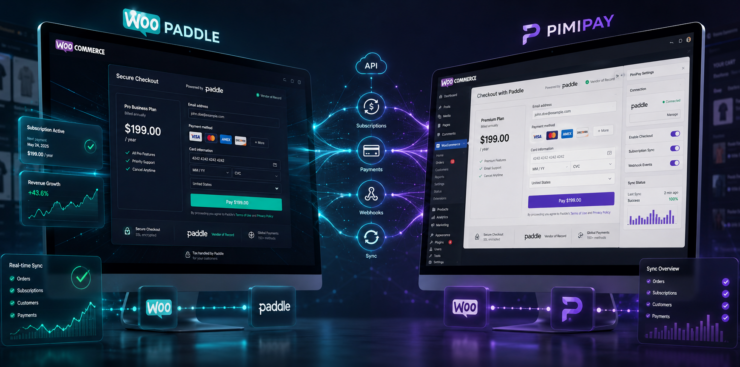
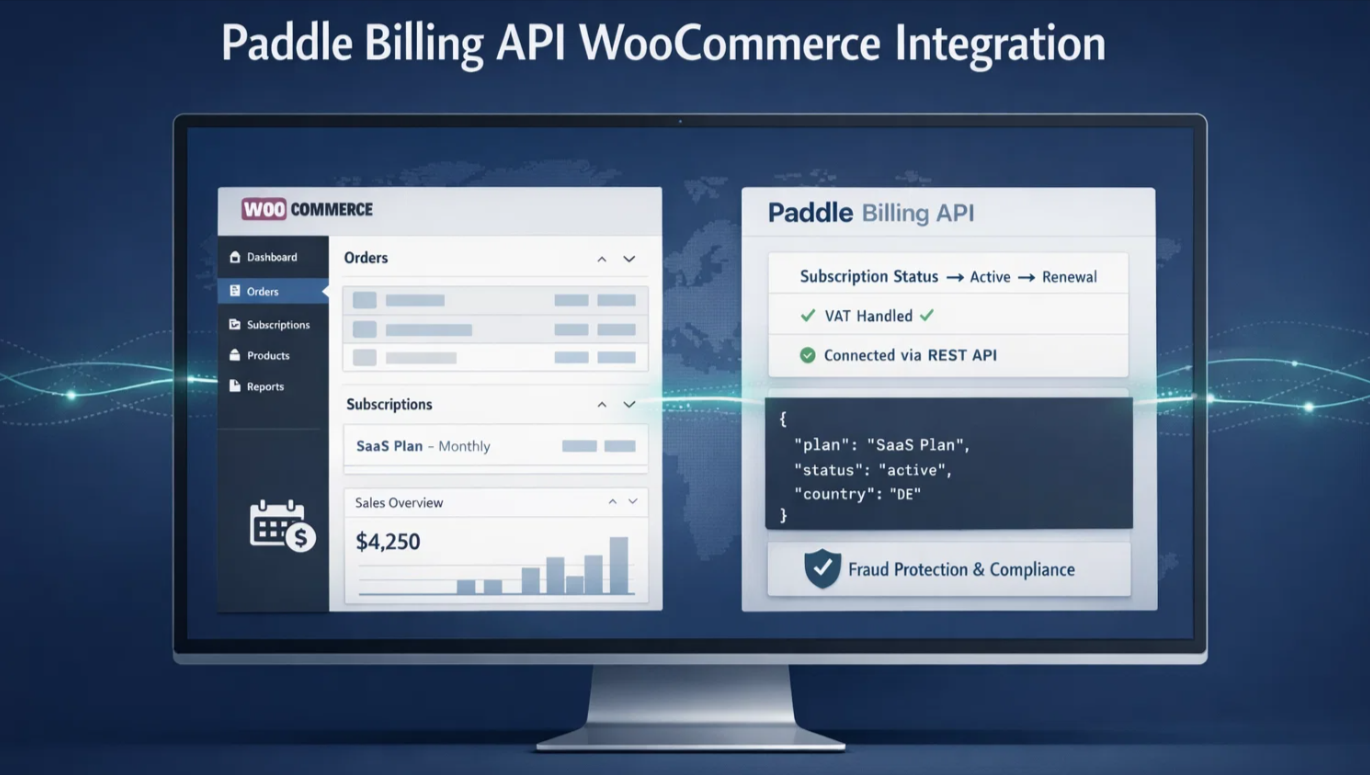
The subscription and SaaS models are increasingly getting more focus in the eCommerce industry. Tax compliance can be a challenge for WooCommerce store owners selling digital products and SaaS subscriptions. This is where the Paddle Billing API WooCommerce integration is changing, taking the throttle for online merchants.
Table of Contents
This guide will highlight why this integration is gaining more popularity every day. You will learn what the Paddle Billing API offers and how it differs from Paddle Classic.
You’ll also learn why Paddle billing is perfect for your WooCommerce stores. Plus, we will show you how to easily integrate Paddle WooCommerce today with a step-by-step guide.
Understanding Paddle and Its Merchant of Record Model
Paddle is more than a payment gateway that handles global payment and tax compliance with added security. It’s a complete payment infrastructure built for software and digital product businesses.

It doesn’t work like traditional payment processors such as Stripe or PayPal. Paddle works as a Merchant of Record (MoR) that goes beyond the previous methods.
Using a traditional payment gateway requires taking legal responsibility for every aspect of the transaction. You must register for tax in every country where you are selling your WooCommerce products.
Then you have to file those taxes manually, handle fraud disputes, and manage chargebacks. Thus, you are maintaining time-consuming administrative tasks with financial risks.
However, Paddle works as a Merchant of Record and becomes a legal seller of your WooCommerce products. It handles the following tasks:
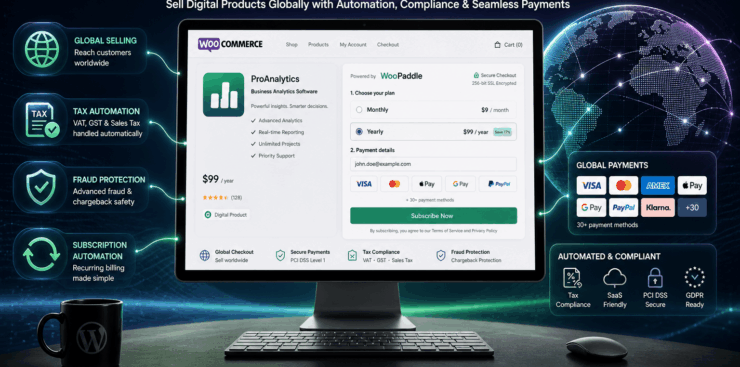
- Tax compliance: Paddle automatically calculates, collects, and remits sales tax, VAT, and GST on your store’s behalf. Paddle Billing API WooCommerce does all these tasks for over 200 countries.
- Fraud Protection: Paddle screens all transactions for fraud protection and chargeback disputes. Paddle WooCommerce integration handles the cost whenever a chargeback occurs.
- Payment Processing: Paddle helps you accept payments through different gateways. For example: credit cards, PayPal, Apple Pay, Google Pay, and any local payment methods for global payment.
So, Paddle Billing API WooCommerce allows you to create a global WooCommerce store. You won’t be needing any team of tax lawyers or accountants to maintain your store.
Paddle Billing API WooCommerce Evolution: What Changed
Paddle Billing API was released in August 2023 with advanced infrastructure. It replaces the Paddle Classic API with significant changes. Understanding the Paddle Classic vs Billing is crucial before using the Paddle Billing API WooCommerce integration.
The Paddle Billing API does not work like the standard Paddle payment gateway for WooCommerce. It comes with an architectural shift toward a developer-first approach in a RESTful environment. You get granular control over customer data and the subscription lifecycle.
Paddle billing addresses the gaps of the Paddle classic API with the following features:
- Advanced Subscription Management: Paddle Billing API WooCommerce lets you handle multiple products on a single subscription. You can handle upgrades and downgrades with prorated changes. Customers can pause or resume subscriptions with specific dates.
- Complete REST Compliance: The API is fully RESTful and returns clean JSON responses. So the development and maintenance are much easier compared to the previous version.
- Better Customer Data Handling: The Paddle Billing API WooCommerce integration introduces a proper customer entity. You can store multiple addresses and business information per customer. This makes B2B sales easier than before.
- Modern Checkout Experience: The new Paddle.js offers TypeScript support that saves payment methods for repeat customers. Plus, it gives you dark mode support with mobile optimization.
- Self-service Portal: Customers can now manage their own billing details and subscriptions. This means your WooCommerce store needs to handle less support workload.
All these features make Paddle Billing more preferable than traditional WooCommerce subscription billing API models.
Why the Paddle Billing API WooCommerce Integration is Gaining Momentum
The surge in popularity behind Padle Billing API WooCommerce setup comes from the need for efficiency. Traditional gateways like Stripe or PayPal require you to integrate third-party tax software to stay compliant. This means your transaction is going through a fragmented tech stack where error handling becomes complex.
Here are some factors that are driving the popularity of Padle Billing API WooCommerce:
Automated Global Tax Compliance
Paddle handles legal responsibility no matter in which region your WooCommerce store wants to sell products. Let’s say you sell digital products in WooCommerce to a customer in the European Union or a specific US state.
Paddle calculates, collects, and remits the appropriate tax without any manual intervention. You no longer need to monitor changing thresholds in dozens of different countries. This makes Paddle Billing API WooCommerce a logical choice for international growth.
Advanced Subscription Management
The WooCommerce subscription billing API capabilities within Paddle Billing aim for flexibility. It handles proration, trial periods, and pauses with high precision. Let’s say a customer wants to upgrade their plan mid-month.
The API then calculates the exact difference automatically without any manual billing adjustment. This is a massive win for SaaS businesses selling through WooCommerce.
Enhanced Checkout Experience
Paddle Billing API WooCommerce utilizes Paddle.js v2 to create a sleek overlay or inline checkout. This prevents friction by offering a checkout experience similar to Apple Pay, Google Pay, and regional bank transfers. Research shows that local payment methods increase conversion by up to 30% in a specific market.
Developer Friendly Architecture
Developers prefer the modern architecture that the Paddle Billing API offers for WooCommerce stores. The integration becomes more reliable for the following reasons:
- Hand-crafted SDKs
- Public OpenAPI specification
- Standardized webhook verification.
So, you will spend less time debugging the payment code and more time focusing on your product.
Choosing the Right Plugin for Paddle Billing API WooCommerce Integration
You will require a dedicated plugin to connect Paddle with your WooCommerce store. Two leading plugins are: WooPaddle and PaddlePress, which both serve different purposes.
WooPaddle: The Recommended Solution
WooPaddle plugin is a completely optimized Paddle billing API WooCommerce integration. It’s a native WooCommerce integration that directly and smoothly connects with WoOCommerce data.
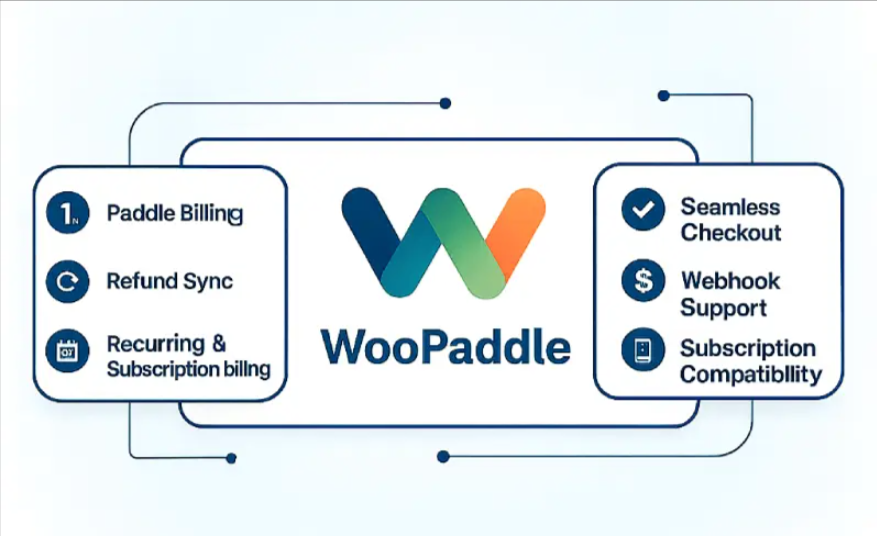
This means it manages orders, customers, products, and coupons to create a familiar checkout experience. Here are some key benefits of WooPaddle:
- Native Integration: Works with WooCommerce cart, checkout, blocks, and order management.
- On-Site Checkout: Offers embedded or pop-up checkout options that keep customers on your site.
- Full Feature Support: Handles variable products, physical goods, digital downloads, and subscriptions smoothly.
- Synchronization: Automatically syncs orders, refunds, and subscription statuses between WooCommerce and Paddle.
- One-Click Refunds: Processes refunds without redirecting you from your WooCommerce dashboard.
- Pricing: Affordable one-time cost of $59 for a single site.
WooPaddle is the ideal WooCommerce paddle gateway when you rely on the eCommerce features of WooCommerce. It assists you in selling both digital and physical products and syncs with your store’s existing workflow.
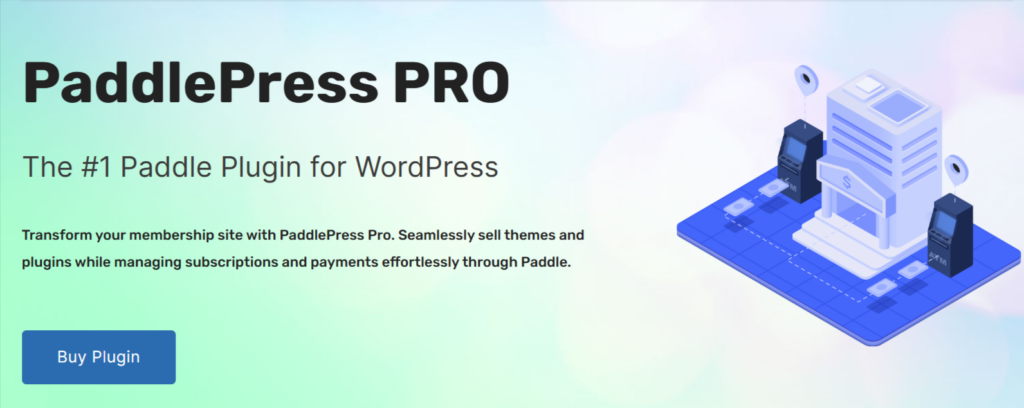
PaddlePress: The Lightweight Alternative
PaddlePress is a standalone WooCommerce plugin that does not depend on WooCommerce. It uses the shortcode to use the payment buttons at checkout and on other web pages.
Key benefits:
- Lightweight: No need to run WooCommerce if you only sell a few digital items.
- Built-in Licensing: Includes features for generating and validating software license keys.
- Content Restriction: Can lock specific content behind a paywall (PRO version).
- Pricing: $99 per year for a single site.
PaddlePress is the ideal option when you want to sell plugins or themes as a software developer. Moreover, it’s perfect for running simple membership sites where you don’t need a feature-rich shopping cart. However, it lacks a traditional multi-item cart, and it’s not developed for physical products.
Quick Comparison
Here is a quick comparison between WooPaddle and PaddlePress:
| Feature | WooPaddle | PaddlePress |
| Billing API Support | Yes | Yes |
| WooCommerce Integration | Native | Standalone |
| Full Shopping Cart | Yes | No |
| Physical Products | Fully Supported | Limited |
| License Management | No | Yes |
| Pricing Model | $59 (One-time) | $99/year |
Most store owners prefer WooPaddle since it offers a feature-rich Paddle Billing API WooCommerce integration. It handles real-world eCommerce growth when you are focusing on a global marketplace.
Paddle vs Stripe for WooCommerce Subscriptions
Choosing between Paddle and Stripe totally depends on your WooCommerce business type. Here is a quick Paddle vs Stripe WooCommerce comparison:
| Feature | Paddle Billing API | Stripe |
| Merchant of Record | Yes (handles tax & compliance) | No (you are the merchant) |
| Tax Compliance | Fully automated globally | Requires Stripe Tax or 3rd party |
| Chargeback Liability | Paddle covers it | You are liable |
| Transaction Fee | 5% + $0.50 (all-inclusive) | 2.9% + $0.30 (plus tax/compliance costs) |
| Best For | Global digital/SaaS businesses | Flexible, custom-built solutions |
Stripe’s flexibility and lower headline fee work for you if:
- You are a small business
- Selling primarily in your home country
- Have your tax compliance in order
However, Paddle works best for selling digital products globally by avoiding the admin burden of tax compliance. Paddle’s higher fee is still a worthwhile investment for WooCommerce store owners.
How to Set Up Paddle Billing API in WooCommerce: Complete Guide
The Paddle Billing API WooCommerce connects Paddle’s payment gateway with your store. This WooCommerce subscription billing API manages recurring billing, customers, and global taxes.
Integrating the Paddle Billing API into your WooCommerce store requires a systematic approach. Here are the steps to establish a successful integration:
Step 1: Create a Paddle Account
To begin, you need a verified Paddle account before integrating with WooCommerce. Here are the steps to create a Paddle account for successful Paddle Billing API WooCommerce integration:
- Sign up for a Paddle account.
- Complete the business verification process.
- Provide product and company details for approval.
- Once verified, log in to your Paddle dashboard.
Step 2: Get Paddle API Credentials
Your API credentials are essential for connecting WooCommerce with Paddle. Follow these steps:
- Go to Developer Tools in your dashboard.
- Select Authentication.
- Generate a Client Token and an API Key.
- Store these credentials securely.
Step 3: Install a Paddle Billing API Integration Plugin
A plugin works as the bridge between WooCommerce and the Paddle Billing API. Here is how you use the plugin:
- Purchase and install the WooPaddle plugin on your WordPress site.
- After installation, go to WooCommerce → Settings → Payments.
- Locate Paddle.com Payment Gateway in the list and click Manage.
- Scroll down to the API Configuration section.
- Check the box for Use Paddle Billing API to enable the modern API type.
Step 4: Get Your Paddle Billing Credentials
You need three specific credentials for Paddle Billing WooCommerce integration. Here are those steps to get the credentials:
1. Get the Authentication API Key
- In your Paddle dashboard, go to Developer Tools → Authentication.
- Click the New API Key button.
- Give it a name and description. Set Expires to “Never Expires”.
- Set Permissions to “All Read & Write”.
- Click Save and immediately copy the generated key.
2. Get the Client-side Token
- Still in Developer Tools → Authentication, click on the Client-side tokens tab.
- Click New Client-side token, give it a name, and save.
- Click the three-dot menu next to the new token and select Copy token.
3. Set Up and Get the Webhook Secret
- First, get your webhook URL from WooPaddle. Scroll to the Tax & Advanced Settings section in the WooPaddle settings. Copy the URL (it will look like yourdomain.com/?wc-api=woopaddle).
- Go back to your Paddle dashboard and navigate to Developer Tools → Notifications.
- Click New destination.
- Enter a description, set Notification type to Webhook, and paste the webhook URL you copied.
- Under Events, click Select all events and save.
- Click the three-dot menu next to the new destination and select Copy Secret ID.
Step 5: Configure Plugin Settings
Now you need to connect your Paddle credentials to WooPaddle before processing payments. Here is how you configure the WooPaddle for Paddle Billing API WooCommerce settings:
- Return to the WooPaddle settings page in WordPress.
- Paste your Authentication API Key, Client-side Token, and Webhook Secret into their respective fields.
- Click Save Changes to store the configuration.
Step 6: Approve Your Website Domain
Paddle requires domain approval before live transactions can occur.
- In your Paddle dashboard, go to Checkout → Website Approval.
- Click Add a new domain.
- Enter your website domain and submit it for approval.
- Wait for Paddle’s confirmation before moving forward.
Step 7: Test the Paddle Billing API WooCommerce Integration
Testing ensures your setup works correctly before going live. WooPaddle comes with a testing environment that you use with the following steps:
- Enable Sandbox mode in WooPaddle settings.
- Run test transactions using Paddle’s test card numbers.
- Confirm subscriptions, renewals, and webhook events are functioning properly.
Step 7: Map Products and Go Live
Once testing is successful, link products and switch to live mode with the following steps:
- Map your WooCommerce products to corresponding Paddle plans.
- Double-check that pricing and billing intervals match.
- Switch Paddle and WooPaddle to Live mode.
- Update API keys if required for live credentials.
- Start accepting secure, real payments globally.
Important Note: Paddle Billing API was released in mid 2023. Older Paddle Classic users can’t automatically switch to the Billing API WooCommerce. However, Paddle offers a documentation that explains why and how you should migrate to Paddle billing.
Common Challenges and How to Handle Them
Here are some common challenges that you may face while setting up Paddle Billing API WooCommerce integration:
Domain Approval Required: You should start the domain approval process early since you cannot go live without it.
Strict Verification: Paddle’s KYC (Know Your Customer) process is thorough. Thus, you must ensure your business documentation is ready.
Dashboard Learning Curve: Paddle’s dashboard is different from Stripe or PayPal. Plan for a short learning period before implementing it on WooCommerce.
Final Thoughts
The Paddle Billing API WooCommerce integration brings in a number of advantages for SaaS and digital product sellers. Three major benefits are:
- Removing the tax compliance burden.
- Providing modern subscription tools.
- Offering a smooth checkout experience.
You can focus on growing your business instead of focusing on tax compliance or financial complexities. WooCommerce store owners who want to scale globally can immediately benefit from this Paddle WooCommerce integration.
WooPaddle is a reliable and native integration that leverages your existing WooCommerce setup. We recommend that you follow this guide and test thoroughly using Sandbox mode. Paddle will handle the rest of your payment-related issues.
Recommended Articles (Optional)
If you enjoyed this article, check out some of our other useful articles, where we share tips and tactics to grow your WooCommerce store and rate it from 0 to 100.
Here are a few you might find interesting:
14 Best WooCommerce Recurring Payment Plugins for 2026, where we’ve created a list of the best WooCommerce recurring payment plugin that creates the foundation for a sustainable subscription business.
10 Fastest One Page Checkout for WooCommerce Plugins (2026 Edition), where we have curated a list of the 10 best one-page checkouts for WooCommerce. These plugins reduce the checkout distractions and create a smooth user experience.
WooCommerce Instant Checkout: Sell Faster and Boost Conversions, where we have shown how WooCommerce instant checkout minimizes every extra field, page load, and clicks.
Is FastSpring Legitimate? How it Compares to WooPaddle for Secure Payments, where we have shown the legitimacy of the FastSpring payment platform when compared to the WooPaddle payment gateway.
 SHAMIM HASAN