10 Best Payment Processing Plugins for Woocommerce
Selecting one of the best payment processing plugins for WooCommerce is a foundational decision for every store owner. It impacts your store’s revenue, checkout experience, and most importantly, customers’ trust.
Currently, the checkout experience is not only about collecting customers’ credit card numbers. Customers demand more personalized or local options, one-click checkouts, and security on top of all of that.
Table of Contents
A complicated payment gateway can ruin a customer’s buying journey, leading to 70% cart abandonment. We are here to help you select plugins that will simplify payment processing and reduce your workload.
This guide provides a detailed analysis of the top WordPress payment processing plugins. It will help you create a reliable and profitable online storefront that converts without friction.
Why Your Payment Gateway Choice Matters in 2026
According to a study, 13% customers abandon checkout since they don’t trust the process. Besides, 17%-20% shoppers leave their cart since the payment gateway takes too many steps to complete the purchase process. On the other hand, local payment methods can increase conversion rates by up to 20% in some regions.
Choosing the right WooCommerce payment processing plugins can do more than just move transactions. They ease out the checkout process with trust and features that customers prefer. Plus, these plugins can handle the payment process smoothly even during the high-traffic periods.
Comparison Table: Best Payment Processing Plugins for WooCommerce
| Plugin | Best For | Key Feature | Pricing |
| WooPayments | Store owners want native WooCommerce management | Built-in fraud tools with machine learning | Free plugin |
| WooPaddle | Digital products, software, and SaaS sellers | Merchant of Record with automatic tax/VAT compliance | $59/year |
| Stripe (FunnelKit) | Stores using FunnelKit checkout funnels | One-click order bumps and post-purchase upsells | Free; Pro at $99.50/year |
| PayPal Payments | Building instant customer trust | Smart Payment Buttons and Pay Later options | Free plugin |
| Square | Hybrid online + physical retailers | Automatic inventory sync between online and store | Free plugin |
| Authorize.net | High-volume, established stores | Accept.js security and PCI SAQ A-EP compliance | $79/year |
| Razorpay | Indian market focus | UPI, Netbanking, and Indian wallet support | Free plugin |
| Mollie | European market focus | iDEAL, Bancontact, and local European methods | Free plugin |
| NOWPayments | Cryptocurrency acceptance | 300+ cryptocurrencies supported | $39.99/year |
| Klarna | Fashion, lifestyle, high-ticket items | Buy Now Pay Later with Pay in 30 days/installments | Free plugin |
Now, we will deep dive into some of the best payment processing plugins for woocommerce.
1. WooPayments
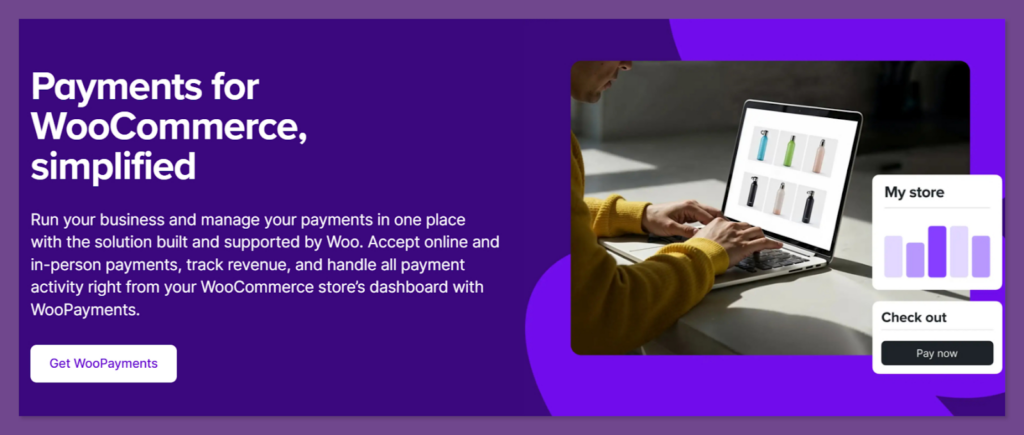
WooPayments is the official and one of the best payment processing plugins for WooCommerce. You can manage the transactions, refunds, and disputes using the WordPress admin area with a native WooCommerce experience. The plugin unifies store management and financial reporting to ease the technical side of selling.
Key Features:
- Supports selling in multiple currencies with automatic conversion.
- Zero transaction fees beyond standard payment processor rates.
- Built-in compatibility with Apple Pay and Google Pay.
- Instant deposit options for eligible merchants.
- Built-in fraud tools with machine learning.
- Dispute management within the dashboard.
Pros:
- Smoothly integrates with the WooCommerce ecosystem.
- Automatic tax calculations.
- No monthly subscription fees.
- Simplifies the refund and dispute process.
Cons:
- Limited to specific supported countries.
- Higher transaction fees compared to some direct processors.
Pricing: Free plugin; standard credit card rates apply (2.9% + $0.30 per transaction)
Best For: Store owners who want a simple, native, and all-in-one management experience.
2. WooPaddle for WooCommerce
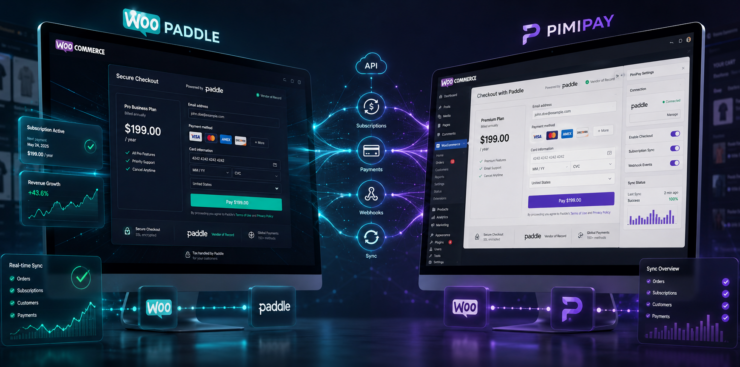
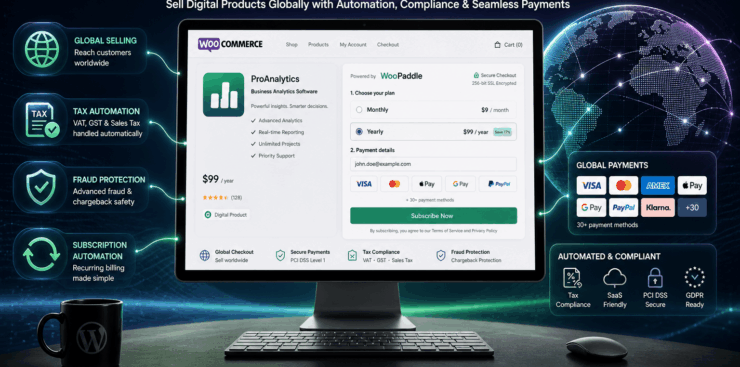
WooPaddle is one of the best payment processing plugins for WooCommerce to connect with the Paddle payment platform. It acts as a Merchant of Record for your store to handle complex global sales aspects.
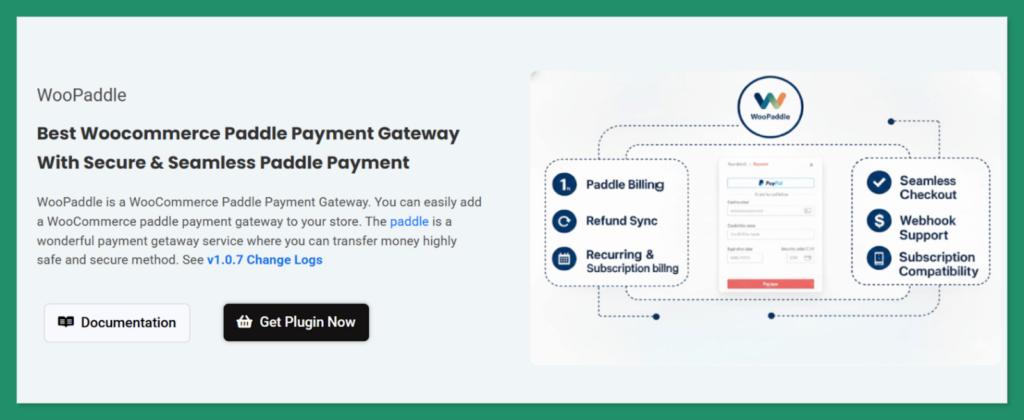
It helps in maintaining international tax collection, VAT compliance, and fraud prevention on your store’s behalf. Digital product sellers and software companies can particularly leverage WooPaddle to minimize the burden of cross-border transaction regulations.
Key Features:
- Flexible on-site checkout with a pop-up overlay.
- Supports Paddle Classic and Paddle Billing API for WooCommerce.
- Payment via credit/debit cards, PayPal, Apple Pay, and Google Pay.
- WooCommerce subscription and recurring payment with auto-renewals.
- One-click refund processing directly from WooCommerce.
- Advanced fraud protection through Paddle’s security layers.
- Sandbox testing mode for safe development.
Pros:
- Works with both WooCommerce block checkout and classic checkout.
- Restrict downloads to authorized buyers only.
- Keeps customers on your site without redirecting to other sites.
- Free installation support included.
- Lightweight codebase that won’t slow down your site.
Cons:
- Only supports WooCommerce (not other e-commerce platforms)
- You need a verified Paddle merchant account.
- Advanced features require technical setup
Pricing: Starting at $59 for a single site plus Paddle’s transaction fees (5% + $0.50 per transaction)
Best For: WooCommerce store owners selling digital products, software, and SaaS subscriptions. Plus, physical product owners who want Paddle’s global compliance benefits.
3. Stripe Payment Gateway for WooCommerce
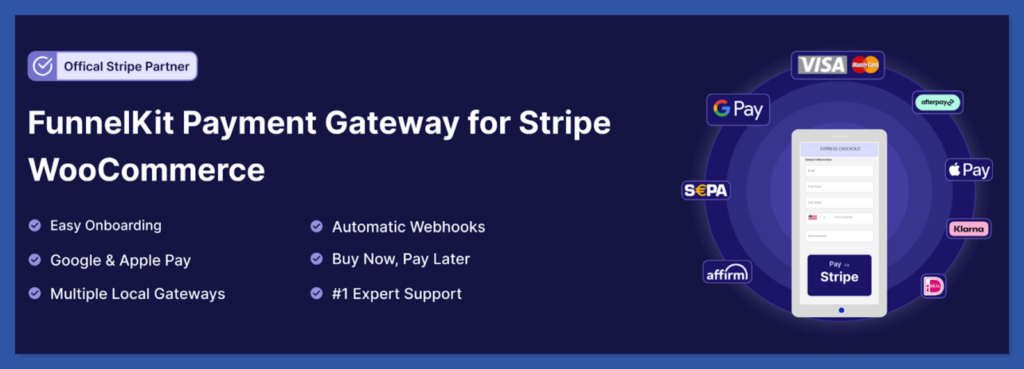
Stripe Payment Gateway is one of the best payment processing plugins for woocommerce by FunnelKit. Its one of the best payment processing plugins for WooCommerce to connect with a sales funnel. It leverages Stripe’s robust infrastructure to simplify checkout with a mobile-friendly experience. Without manual setup, it accepts payments from credit cards and other payment methods.
Key Features:
- Smooth support for Apple Pay and Google Pay for one-touch mobile buying.
- Built-in support for one-click order bumps and post-purchase upsells.
- Buy Now, Pay Later integration with Affirm, Klarna, and Afterpay.
- Advanced 3D Secure 2.0 authentication for enhanced transaction safety.
- Integrated onboarding wizard for quick connection to Stripe accounts.
Pros:
- Full compatibility with the FunnelKit ecosystem and marketing funnels.
- Local payment methods such as SEPA, iDEAL, and Bancontact.
- Supports many global and local payment methods.
Cons:
- Best features require the FunnelKit Pro version.
- Performs best with FunnelKit ecosystem plugins.
- Requires a Stripe merchant account.
Price: Free version available. The pro comes with full-funnel integration for $99.50/year.
Best For: WooCommerce stores using FunnelKit checkout funnels and businesses that want advanced Stripe payment flexibility.
4. PayPal Payments for WooCommerce
PayPal Payments for WooCommerce is a free and one of the best payment processing plugins for WooCommerce. Its a vital payment gateway for any WoopCommerce store due to its immense trustworthiness and global acceptance.
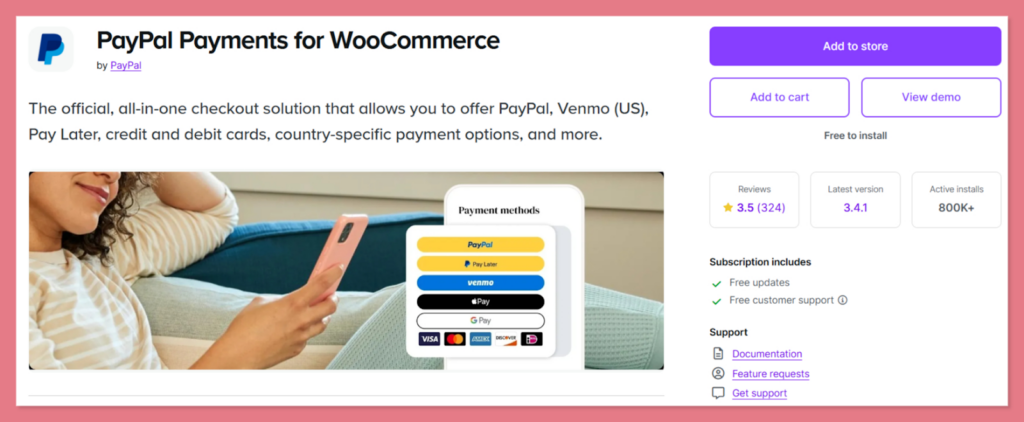
This plugin is not limited to the old redirect method of PayPal checkout. Users can pay via their balance, bank account, or credit card without using your store. You will love advanced features like Pay Later that help increase the average order value.
Key Features:
- Smart Payment Buttons that automatically show the most relevant options
- Built-in Vaulting to save customer payment methods securely
- Integrated Buy Now Pay Later options for flexible consumer spending
- Advanced fraud protection and seller protection programs
- Express checkout with minimal customer input
- PayPal, credit card, and debit card processing
- Venmo integration for US customers
Pros:
- Supports both one-time and recurring payments.
- Vast user base with accounts ready for checkout
- Multiple integration options for different business needs
- Strong fraud protection and dispute resolution
Cons:
- Off-site redirect can distract customers and reduce conversion.
- Higher transaction fees than some competitors.
- Dispute resolution can be slow for merchants.
Pricing: Transaction rates start at 2.99% + $0.49.
Best For: Merchants who want to use the global brand value and trust to reduce abandonment.
5. Square for WooCommerce
Square is a unique contender when it comes to the best payment processing plugins for WooCommerce. It bridges the gap between online and in-person selling with unified payment processing. It processes credit cards with competitive yet easy-to-understand flat-rate pricing.
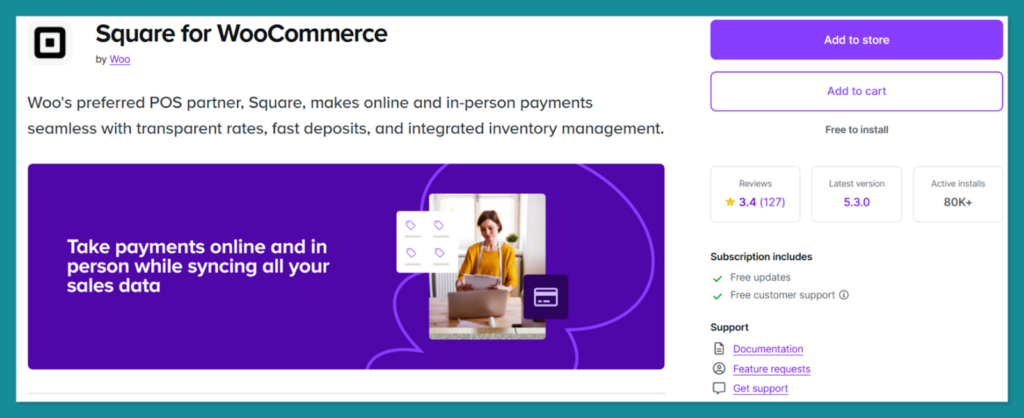
However, Square synchronizes with your WooCommerce inventory, sales, and customer data. You will get a clean and professional checkout that is easy to manage.
Key Features:
- Automatic synchronization of inventory between online and offline stores
- Support for digital wallets, including Apple Pay and Google Pay
- Robust reporting tools for a bird’s eye view of your business
- Enhanced security with end-to-end encryption
Pros:
- Excellent for multi-channel retailers.
- Simple and transparent flat rate pricing.
- Fast deposits are usually within one to two business days.
Cons:
- Not available in as many countries as Stripe or PayPal
- Limited customization options for the checkout form
Price: Transaction fee of 2.9% + $0.30
Best For: Hybrid retailers selling both online and in-store.
6. Authorize.net
Authorize.net is a Visa solution and one of the best payment processing plugins for WooCommerce. It allows you to process credit cards and eChecks while keeping customers on your website.
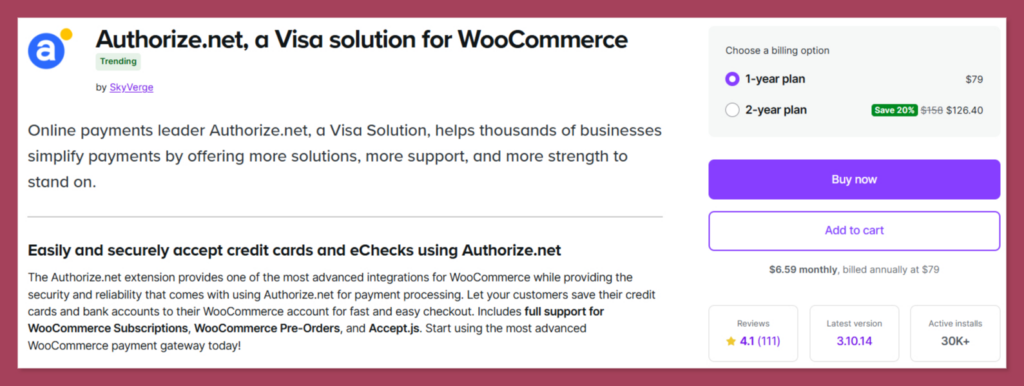
It is one of the most stable WooCommerce payment processing plugins for high-volume merchants. Besides, you’ll get a highly secure environment that is compatible with almost every merchant bank account.
Key Features:
- Accept.js integration for improved security and PCI SAQ A-EP compliance.
- Supports WooCommerce Subscriptions and WooCommerce Pre-Orders.
- Process full or partial refunds and voids using the WooCommerce edit order screen.
- Supports Visa, Mastercard, American Express, Discover, UnionPay, and more.
- Option to automatically capture transactions when the order status changes to paid.
Pros:
- Significantly reduces PCI compliance scope with Accept.js and tokenization.
- Trusted, established processor backed by Visa.
- Supports international transactions from customers worldwide.
- Excellent customer service reputation.
Cons:
- The setup process is more formal and time-consuming.
- eCheck processing requires a separate Authorize.net eCheck account
- Occasional bugs on updates
Pricing: Starts at $79 per year.
Best For: Established WooCommerce stores that have high sales volume and a requires top-tier security.
7. Razorpay
Razorpay is a WordPress payment gateway for WooCommerce that is ideal for the Indian market. It supports payment via UPI, Netbanking, EMI options, and other major Indian wallets. The plugin provides a fast and lightweight checkout that works well even on slower mobile networks.
Key Features:
- Industry-leading support for UPI and Indian debit cards
- Instant activation and completely paperless onboarding
- Subscription support with automated recurring payments
- Comprehensive analytics and real-time reporting
Pros:
- Best in class features for the Indian market
- Competitive pricing for domestic transactions
- Highly responsive and mobile-optimized checkout
Cons:
- International transaction support requires additional approval
- The dashboard can be overwhelming with too many features.
Pricing: 2% for domestic and 3% for international transactions.
Best For: WooCommerce and any business focusing on the Indian consumer base.
8. Mollie Payments for WooCommerce
Mollie is one of the leading payment processing plugins for WordPress that focuses on the European market. It specializes in local payment culture, while other platforms focus on credit and cards. It provides easy access to iDEAL, Bancontact, and Giropay. Mollie features a well-designed dashboard and a checkout experience that feels modern yet localized.

Key Features:
- Access to all major European payment methods with a single integration.
- Multi-currency support with transparent exchange rates.
- Easy-to-use dashboard for tracking growth and refunds.
- Seamless integration with WooCommerce Subscriptions.
Pros:
- Superior localization for European customers
- No hidden fees or long-term contracts
- Very easy to install and configure
Cons:
- Less focused on North American or Asian markets
- Transaction fees can vary significantly by payment method
Pricing: Free; Varies by payment method (e.g., €0.29 for iDEAL)
Best For: Store owners looking to dominate the European eCommerce market via WooCommerce stores.
8. NOWPayments
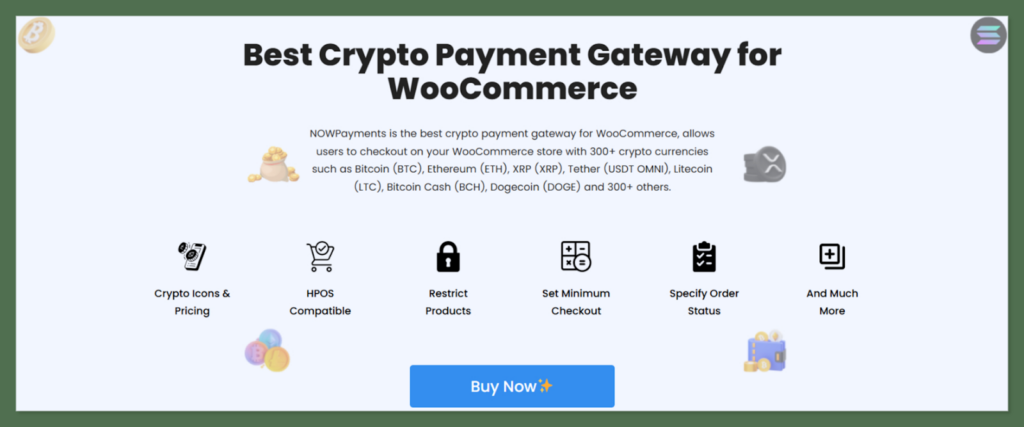
NOWPayments is one of the best payment processing plugins for WooCommerce stores that accept cryptocurrencies. Since this pluiig is not custodial, you receive funds directly into your private wallet. The plugin accepts various coins and offers an option to automatically convert crypto into familiar currency.
Key Features:
- Support for over 300 + different cryptocurrencies.
- Low transaction fees compared to traditional processors.
- Converts to preferred settlement currency
- Instant payment notifications for orders.
Pros:
- Access to a tech-savvy and global customer base.
- No chargeback risks associated with crypto.
- Very low overhead and transaction costs.
Cons:
- High volatility of certain digital assets
- Regulatory requirements vary by country
Price: Starts from $39.99/year for a single site.
Best For: Tech-focused WooCommerce stores with a global, digital native audience.
10. Klarna
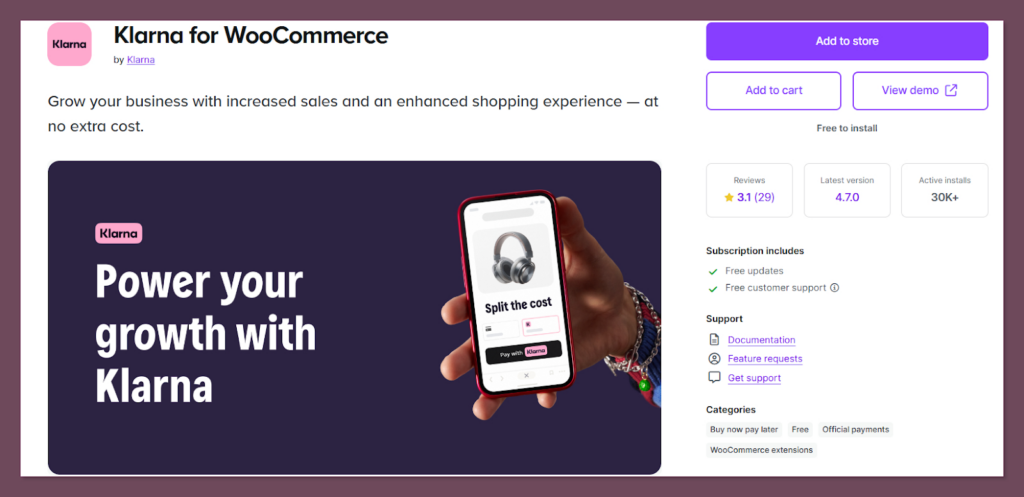
Klarna is a well-known payment plugin in the Buy Now Pay Later sector that allows purchases via installments. It’s one of the best payment processing plugins for woocommerce that makes larger purchases more accessible. Klarna takes on the credit risk so that you get the payment upfront whenever the customer pays.
Key Features:
- Flexible payment options, including Pay in 30 days or Installments.
- Smooth and intuitive checkout interface.
- Direct integration with shipping and tracking updates.
- High level of consumer protection and trust.
Pros:
- Proven to increase average order value and conversion.
- Takes the financial risk away from the merchant.
- Popular with younger demographics and fashion retailers.
Cons:
- Transaction fees are generally higher than standard gateways.
- Strict approval process for new merchants.
Price: Varies by region, typically around 4.99% + $0.30.
Best For: Fashion, lifestyle, and high-ticket item WooCommerce stores targeting younger shoppers.
Final Words
Selecting the best payment processing plugins for woocommerce directly impacts your store’s output. The ideal choice depends entirely on your WooCommerce business model and target market.
- If you want simplicity with native WooCommerce management, choose WooPayments.
- For international reach and subscription flexibility, Stripe is your answer.
- Omnichannel retailers should prioritize Square for its inventory sync.
- Digital product sellers benefit most from WooPaddle’s tax compliance features.
- European stores need Mollie’s local methods
- India-focused businesses require Razorpay.
- For high-ticket items, Klarna boosts average order value.
- Established stores that need enterprise-level reliability should invest in Authorize.net.
Start with the plugin that matches your primary market, monitor your abandonment rates, and adjust based on customer behavior. The right gateway makes purchasing effortless, and effortless purchasing keeps revenue flowing.
Recommended Articles (Optional)
If you enjoyed this article, check out some of our other useful articles, where we share tips and tactics to grow your WooCommerce store and rate it from 0 to 100.
Here are a few you might find interesting:
8 Best WordPress Media Library Folder Plugins, where we’ve added a list of the best WordPress Media Library Folder Plugins that will help manage your files more efficiently and keep your media organized.
14 Best WooCommerce Recurring Payment Plugins for 2026, where we’ve created a list of the best WooCommerce recurring payment plugin that creates the foundation for a sustainable subscription business.
10 Fastest One Page Checkout for WooCommerce Plugins (2026 Edition), where we have curated a list of the 10 best one-page checkouts for WooCommerce. These plugins reduce the checkout distractions and create a smooth user experience.
WooCommerce Instant Checkout: Sell Faster and Boost Conversions, where we have shown how WooCommerce instant checkout minimizes every extra field, page load, and clicks.

 SHAMIM HASAN