Best WooCommerce Payment Gateways in 2026 (Compared by Fees, Features, and Fit)
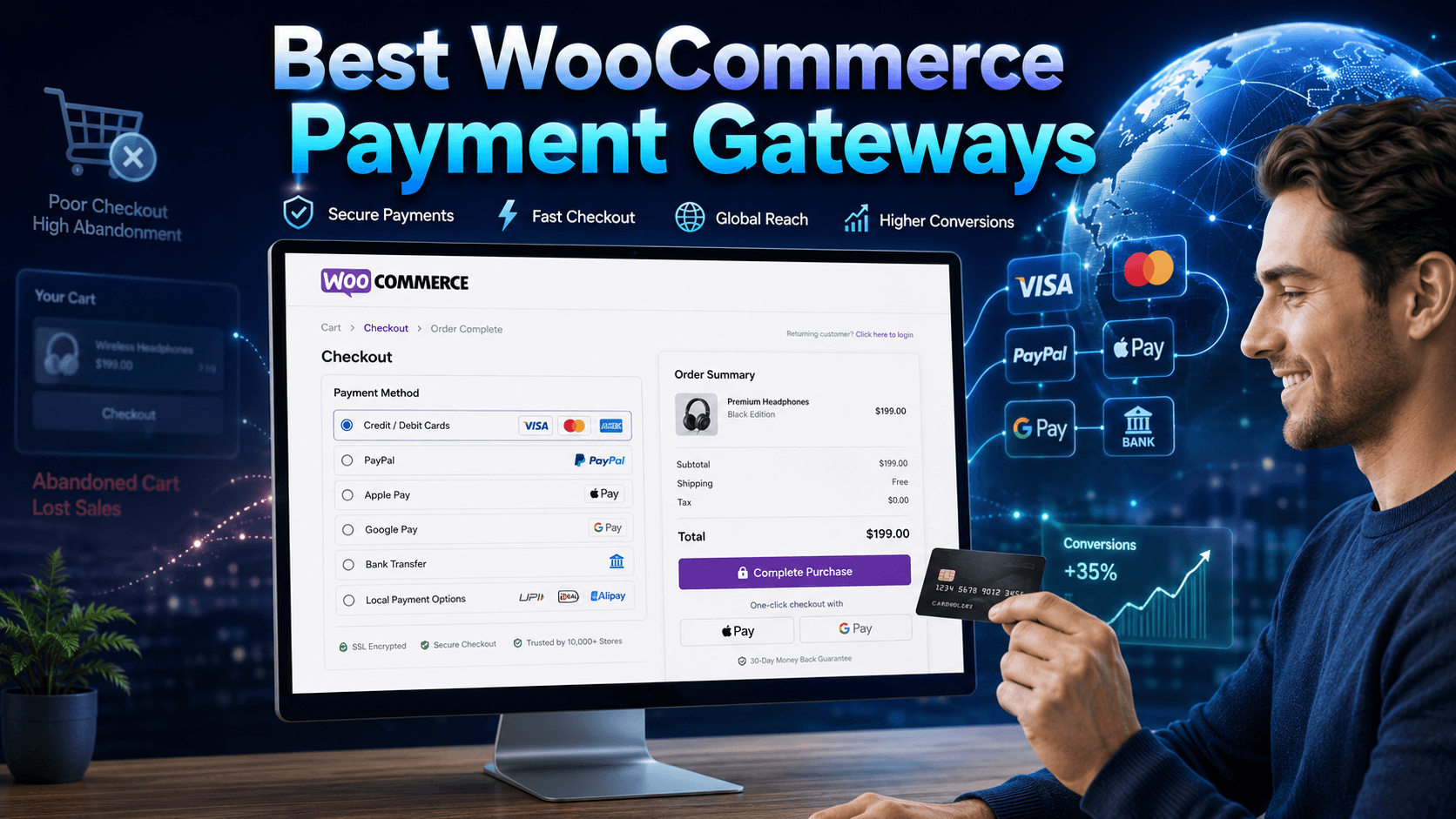
The best WooCommerce payment gateways affect a customer’s willingness to purchase products. It either motivates a customer to complete the purchase process or leaves your store forever.
The global cart abandonment rate is above 70%, with 20% of people not having enough payment methods. So, picking a wrong payment gateway is more than a technical mistake, which can result in constant loss of revenue.
In this article, you will find a straightforward comparison of the top WooCommerce payment gateways. We’ve come up with honest pros and cons, price, and a clear recommendation. Thus, you can select an option that suits your business and actually generates revenue.
Table of Contents
What Makes a WooCommerce Payment Gateway Worth Using
Here is what you need to evaluate before installing or committing to one of the best WooCommerce payment gateways:
Transaction fees: Even a marginal 0.1% difference in transaction fees grows with a compound effect. A store processing $50,000 per month saves $500 annually just by lowering fees by that margin.
Checkout type: On-site checkout (Stripe, WooPayments) keeps customers on your site. Redirect-based checkouts (PayPal Standard) send them away. This increases cart abandonment by 18%.
Supported payment methods: Credit cards are just the baseline requirement for the best WooCommerce payment gateways. Modern consumers expect the convenience of digital wallets like Apple Pay and Google Pay. Plus, offering a Buy Now, Pay Later (BNPL) option, along with localized methods like iDEAL or UPI, helps customers to focus on completing checkout.
Compliance and fraud prevention: PCI-DSS compliance and robust fraud prevention protocols are non-negotiable for merchants selling globally. Maintaining these standards ensures you meet legal and industry benchmarks to protect your brand against data breaches. So, advanced security measures will safeguard your revenue from chargebacks and create long-term trust.
Recurring billing support: Flawless recurring billing support is a technical necessity for businesses offering subscription models. The best WooCommerce payment processors must integrate smoothly with WooCommerce Subscriptions or similar tools. It ensures consistent cash flow through automatic renewals.
International reach and currency support: As a global seller, confirm multi-currency support by checking cross-border fees. These are the areas where hidden costs can quietly erode your profit margins.
Note: Learn the easiest 7 ways to reduce cart abandonment in WooCommerce.
Top 7 Best WooCommerce Payment Gateways in 2026
Comparing the best payment gateways for WooCommerce comes down to fees, checkout flow, reach, and support for recurring billing. Each option below is evaluated on those exact criteria.
WooPayments
WooPayment is one of the best WooCommerce payment gateways with a native user experience. It is the official WooCommerce payment gateway built directly by Automattic. You manage payments, refunds, and disputes within the WooCommerce dashboard.
Key Features:
- Supports 135+ currencies
- Accepts Apple Pay, Google Pay, and major credit and debit cards
- Works natively with WooCommerce Subscriptions for recurring billing
- Powered by Stripe technology with PCI-DSS compliance and 3D Secure fraud protection
- No setup fee, no monthly fee
Pros:
- Single dashboard for your store and payments
- Familiar interface for WooCommerce users
- Strong fraud protection backed by Stripe infrastructure
Cons:
- Check your region before purchasing, since it’s not available for every country.
- Occasional delays in deposit timelines are reported by some merchants
Pricing:
- Free to use plugin
- Domestic US cards: 2.9% + $0.30 per transaction
- International cards or currency conversion: 3.9% + $0.30 per transaction
Best For: Small- to medium-sized stores that want a native payment-gateway experience without managing multiple platforms.
WooPaddle
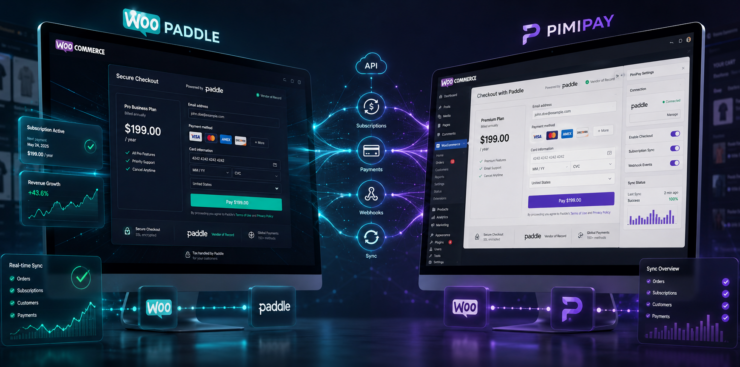
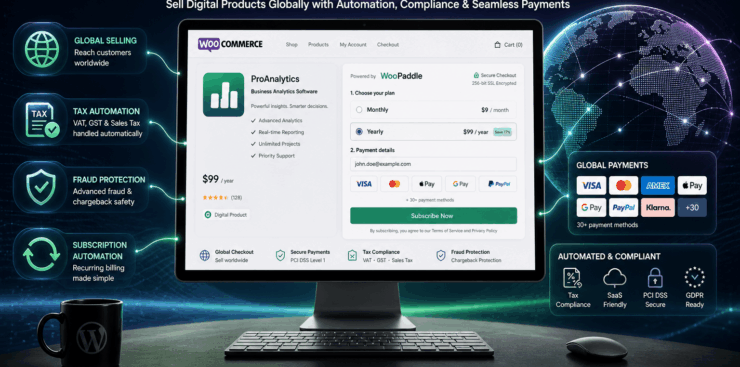
WooPaddle is a dedicated WooCommerce payment gateway plugin that connects your store with Paddle. It handles payments, global tax compliance, and fraud management for you. You can sell your digital products without filing VAT and GST across different countries.
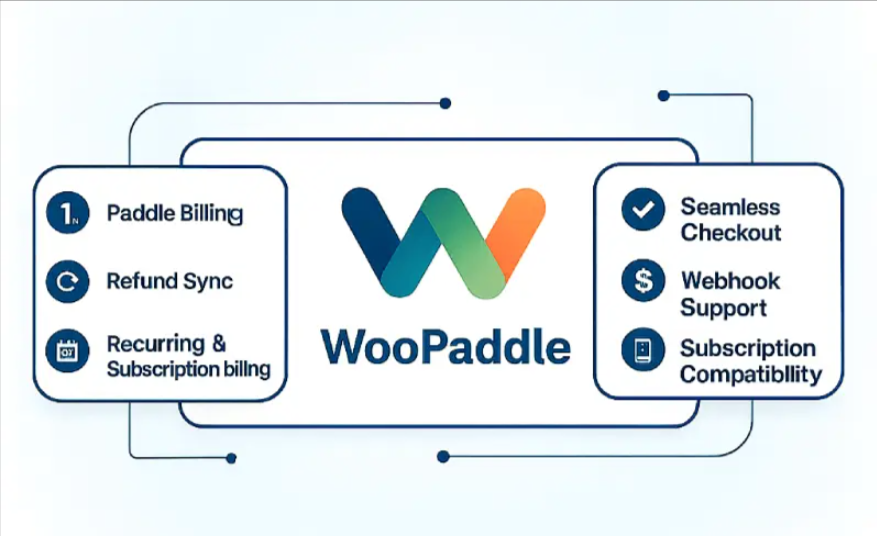
WooPaddle is the most practical solution among the best WooCommerce payment gateways for digital-first businesses. Customers won’t ever leave your site since checkout happens entirely on your site.
Key Features:
- Accepts credit and debit cards, PayPal, Apple Pay, Google Pay, and all Paddle-supported methods
- Popup and inline checkout without any redirections
- Recurring and subscription billing with WooCommerce Subscriptions compatibility
- Automatic refund sync between WooCommerce and Paddle
- Four-layer fraud protection via Paddle’s built-in risk tooling
- Sandbox mode for safe testing before going live
- Discount code support at checkout
Pros:
- Paddle acts as the Merchant of Record for VAT, GST, and global tax compliance
- On-site pop-up checkout keeps customers on your domain throughout the purchase
- Compatible with WooCommerce block and classic checkout pages
- Refund sync eliminates manual reconciliation across both platforms
Cons:
- Requires an active and approved Paddle account
- Paddle’s 5% + $0.50 per-transaction fee is higher than Stripe’s
- Better suited for digital products and SaaS than physical goods
Pricing:
- Single site lifetime license: $69 (1-year support and updates included)
- Paddle’s own transaction fee: 5% + $0.50 per checkout transaction
Best For: WordPress plugin and theme sellers, SaaS developers, and digital product sellers.
Stripe
Stripe is the most popular WooCommerce payment processor for flexibility. It is ideal for stores that need customization, international reach, or more than basic card processing. It gives you more control over the checkout experience than almost any other option. It is consistently the first choice among developers for the best WooCommerce payment gateways.
Key Features:
- Available in 45+ countries and supports 135+ currencies
- Supports cards, Apple Pay, Google Pay, ACH, SEPA Direct Debit, Alipay, and more
- One-click checkout, saved cards, and subscription billing
- Built-in machine-learning fraud detection
- Elements for embedding customizable payment forms on checkout pages.
Pros:
- Highly customizable API for bespoke payment flows
- Supports a wide range of payment methods for global audiences
- Clean documentation and a strong developer ecosystem
Cons:
- Some merchants report unexpected account freezes
- Not available in every country
Pricing:
- Free plugin.
- Standard US rate: 2.9% + $0.30 per transaction
- Additional fees for global customers, depending on the region
Best For: Merchants who want full control over payment UX, plan to scale internationally, or need advanced recurring billing features.
PayPal
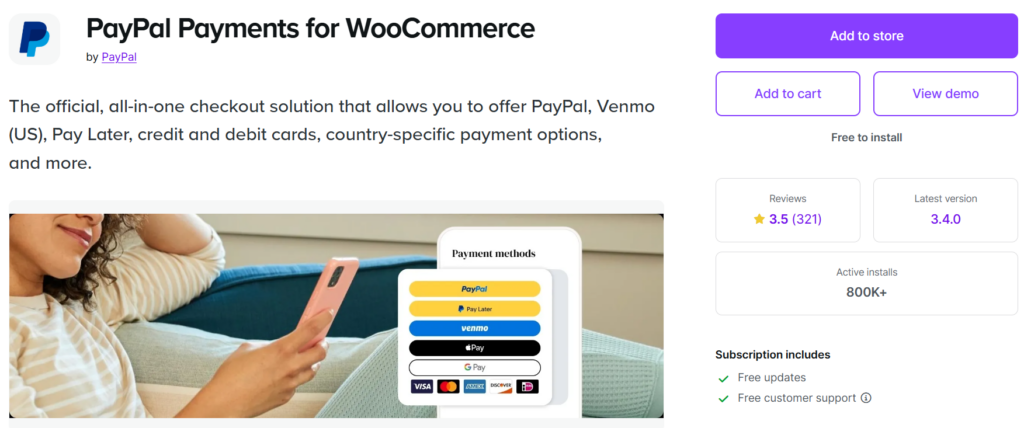
PayPal is one of the most popular payment gateways in the world, supporting 200+ countries. It allows customers to complete their purchase without sharing their credit card details with an unfamiliar website. PayPal’s brand recognition alone recovers sales you would otherwise lose at the final checkout step.
Key Features:
- Supports 25+ currencies and multiple payment types (PayPal balance, bank accounts, credit cards, Pay Later, Venmo in the US)
- Buyer and seller protection with end-to-end encryption
- Simple WooCommerce plugin for quick setup
- No setup fee, no monthly fee
- Volume-based discounts available for merchants earning over $3,000/month with an account older than 90 days
Pros:
- Familiarity with buyers drives higher conversion, especially internationally
- Versatile payment options, including buy-now-pay-later through Pay Later
- Easy integration via the official WooCommerce plugin
Cons:
- Cross-border fees are higher than those of the competitors
- Account holds and freezes have been reported by some merchants
Pricing:
- Standard US rate: 2.9% + $0.30 per transaction
- Cross-border transactions carry additional fees
Best For: Stores targeting a broad international customer base or first-time online buyers who need an extra layer of trust.
Square
Square is the right WooCommerce payment gateway for businesses spanning online and in-store. Its standout feature is two-way inventory sync for both physical and WooCommerce products with automatic updates. This is the feature that most of the best WooCommerce payment gateways simply do not offer.
Key Features:
- Supports Apple Pay, Google Pay, Cash App Pay, and Afterpay
- Two-way product and inventory sync between WooCommerce and Square POS
- Funds typically available within 1 to 2 business days
- No chargeback fees — Square absorbs the nonrefundable fees other processors pass on to you
Pros:
- Unified reporting for online and offline sales
- No chargeback fees are a meaningful advantage for high-volume stores
- Fast access to funds
Cons:
- Available in limited countries (US, UK, Canada, Australia primarily)
- Some advanced features require paid plan upgrades
- Customer support response times receive mixed reviews
Pricing:
- Online transactions: 2.9% + $0.30 per transaction (US)
- No monthly fee for the basic plan; advanced features start at $29/month (Plus plan)
Best For: Retailers with physical stores who want to unify their online and offline payment and inventory management in one place.
Authorize.Net
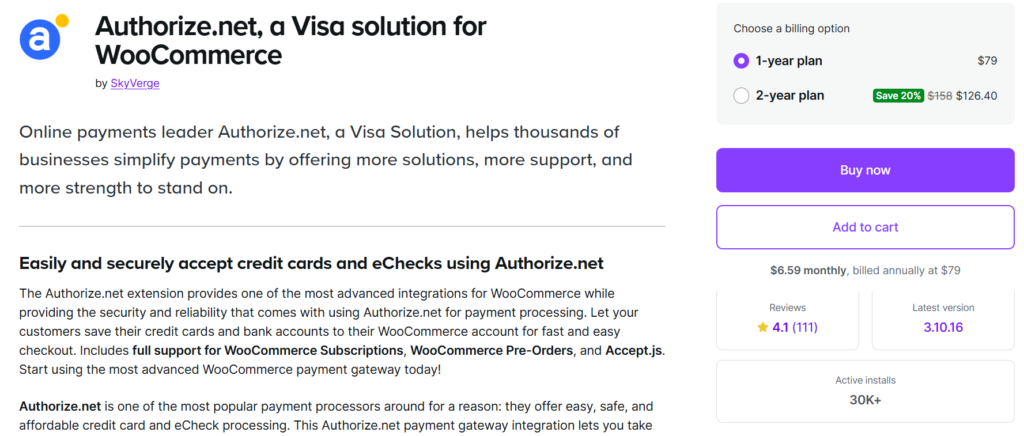
Authorize.Net has been processing payments since 1996 and is now owned by Visa. It’s a reliable WooCommerce payment gateway for enterprise-grade fraud prevention. This specialized support is essential for industries that Stripe or PayPal often classify as high-risk. For example: selling supplements, CBD products, etc.
Key Features:
- Accepts major credit cards, eChecks, and services like Apple Pay and PayPal
- Easily configurable advanced Fraud Detection Suite (AFDS) A
- Customer Information Manager (CIM) that stores multiple payment methods and shipping addresses per customer.
- Works with both All-in-One (includes merchant account) and Payment Gateway Only plans
Pros:
- Trusted, stable platform with a 30-year track record
- Highly configurable fraud prevention
- Accepts high-risk businesses that other gateways decline
Cons:
- The $25 monthly fee makes it more expensive for small stores
- Primarily US-focused and with limited international availability
Pricing:
- Yearly plan costs $79
- Per-transaction fee: 2.9% + $0.30 (All-in-One plan)
Best For: Established, high-volume US businesses and merchants in restricted industries that need a best WooCommerce payment gateway capable of handling high-risk categories.
Amazon Pay
Amazon Pay lets customers check out using payment and address information already available in their Amazon account. This removes the friction of re-entering billing and shipping details and reduces cart abandonment. The hundreds of millions of active Amazon users and the platform’s massive brand recognition drive a high checkout conversion rate.
Key Features:
- Uses existing Amazon account credentials without requiring new accounts
- Buyer and seller protection from Amazon’s trust infrastructure
- Supports major credit and debit cards stored in Amazon accounts
- Simple WooCommerce plugin setup
Pros:
- Zero friction for existing Amazon customers — checkout in seconds
- High buyer trust due to the Amazon brand association
- No monthly fees
Cons:
- Customers must have an Amazon account to use it
- Less useful for audiences that do not actively shop on Amazon
- Limited payment customization compared to Stripe
Pricing:
- Free plugin
- Domestic US transactions: 2.9% + $0.30
- Cross-border transactions: 3.9% + $0.30
Best For: Stores targeting Amazon’s loyal customer base that want a best WooCommerce payment gateway built on instant brand recognition.
Quick Comparison: Best Payment Gateways for WooCommerce at a Glance
Here is a quick overview that will help you compare payment gateways that are ideal for WooCommerce stores of different types:
| Gateway | Transaction Fee | Monthly Fee | Best For |
|---|---|---|---|
| WooPayments | 2.9% + $0.30 | None | Native WooCommerce integration |
| WooPaddle | 5% + $0.50 (Paddle fee) | None ($69 lifetime plugin) | Digital products, SaaS, subscriptions |
| Stripe | 2.9% + $0.30 | None | Flexibility, developer control |
| PayPal | 2.9% + $0.30 | None | Global trust, first-time buyers |
| Square | 2.9% + $0.30 | $49/mo | Online + physical retail |
| Authorize.Net | 2.9% + $0.30 | $25 | High-volume, high-risk businesses |
| Amazon Pay | 2.9% + $0.30 | None | Amazon’s loyal customer base |
How to Choose the Best Payment Gateways for WooCommerce
There is no single best WooCommerce payment gateway that fits every store. Your decision comes down to four practical questions:
Where are your customers?
If you target a broad international audience, Stripe or PayPal’s multi-currency coverage gives you the most reach. If your customers buy digital products or SaaS subscriptions, WooPaddle handles global tax compliance, while other best WooCommerce payment gateways leave that entirely to you.
Do you sell subscriptions or digital products?
Stripe, WooPayments, and WooPaddle all handle recurring billing well. WooPaddle is the strongest choice when Paddle’s Merchant of Record model matters. It offers automatic VAT and GST handling, saving significant accounting overhead at scale.
Do you have a physical store?
Square is the clear choice for omnichannel businesses needing inventory synced between WooCommerce and a point-of-sale system.
What industry are you in? If you operate in a category that Stripe or PayPal considers high-risk, Authorize.Net is often one of the few mainstream options that will onboard you.
One practical note: most successful WooCommerce stores offer more than one payment method. Offering both Stripe and PayPal, for example, covers customers who prefer on-site checkout and those who feel safer paying through a third-party platform. Matching your customers’ preferred payment methods directly reduces abandonment.
Recommended Articles (Optional)
If you enjoyed this article, check out some of our other useful articles, where we share tips and tactics to grow your WooCommerce store and rate it from 0 to 100.
10 Best WooCommerce Themes for Selling Digital Products in 2026, where we have curated the most high-performance themes optimized for high conversion rates and rapid file delivery.
How to Sell PDFs Online With Paddle in WooCommerce, where we have detailed the exact steps to protect and deliver high-value documents while automating global VAT collection.
Start Selling Online Course with Paddle to Automate Your Taxes & Growth, where we’ve shown how you can sell online courses or digital products using the Paddle payment gateway.
How to Integrate Paddle for WordPress: The Fastest Method, where we’ve provided a path to integrate the Paddle payment on your WordPress site using the WooPaddle plugin.

 SHAMIM HASAN