5 Best AI For WordPress Developer
What is AI
If you’re looking for the best AI tools for WordPress developers, this guide is for you. Artificial Intelligence (AI) refers to a computer or machine’s ability to think and learn like a human — analyzing data, making decisions, and improving itself over time without being explicitly programmed for every situation. Today, many WordPress developers rely on AI to speed up coding, boost productivity, and enhance overall project quality.
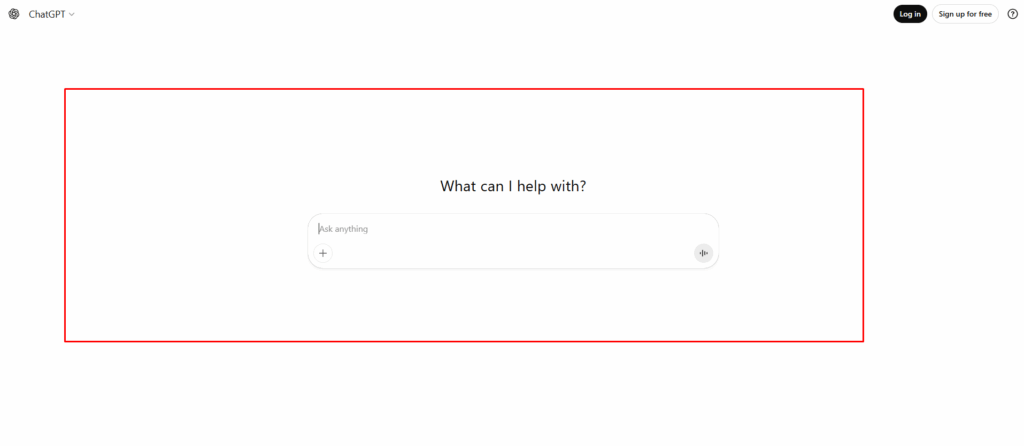
1. ChatGPT
ChatGPT is an AI (Artificial Intelligence) created by OpenAI that can offer numerous benefits to a WordPress developer. Do you find the best AI, and if you write new plugin code and just paste it into this AI editor so it will quickly debug and fix your code. Sometimes it can generate your full plugin code without you touching any codebase.
So, it’s basically a smart assistant that can help with writing, coding, problem-solving, and creativity — all through text commands that start with ChatGPT.
Key benefits:
- Understands and responds naturally — acts like a smart human assistant.
- Saves time by automating writing, coding, and research tasks.
- Helps create and fix code quickly for websites, apps, and plugins.
- Generates high-quality content for blogs, marketing, and SEO.
- Boosts productivity and creativity across any kind of work.
- Make an image: Generate an image easily, and redesign the image
- Most Popular ChatGPT is the best AI for popularity
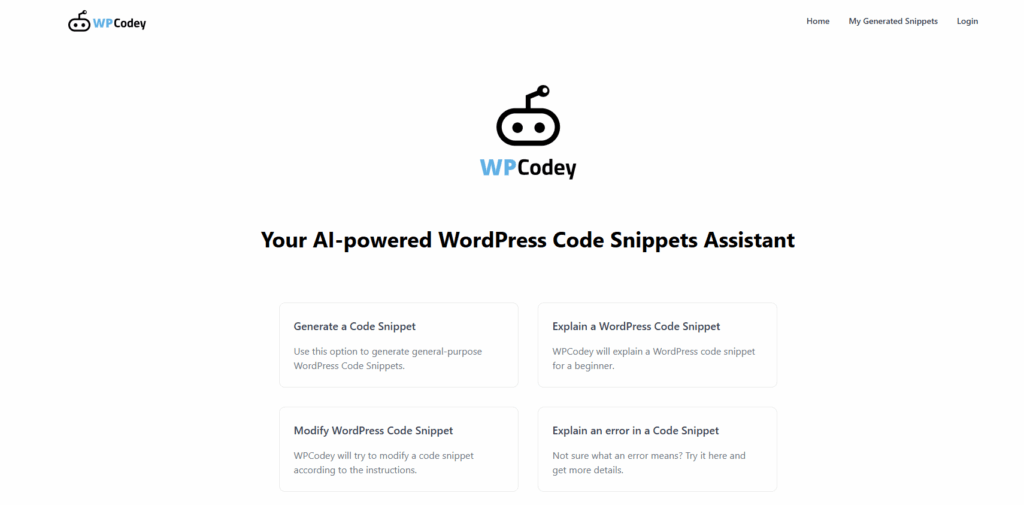
2. WPCodey
What it is: An AI assistant for generating WordPress code snippets (PHP/JS) and explaining/modifying them. Crocoblock+3wpcodey.com+3CodeBox+3
Key benefits:
- Good for quickly getting small functional snippets (“hide admin bar for subscribers”, “add shortcode to display recent posts”) without building a full plugin.
- Can help explain existing snippet code and modify it.
When to use: When you need small customizations, feel comfortable editing snippets, and want to speed up routine tasks.
Caveats: It is in “alpha” stage per its site; generated code may require extra vetting. wpcodey.com
3. AI Engine (WordPress plugin)
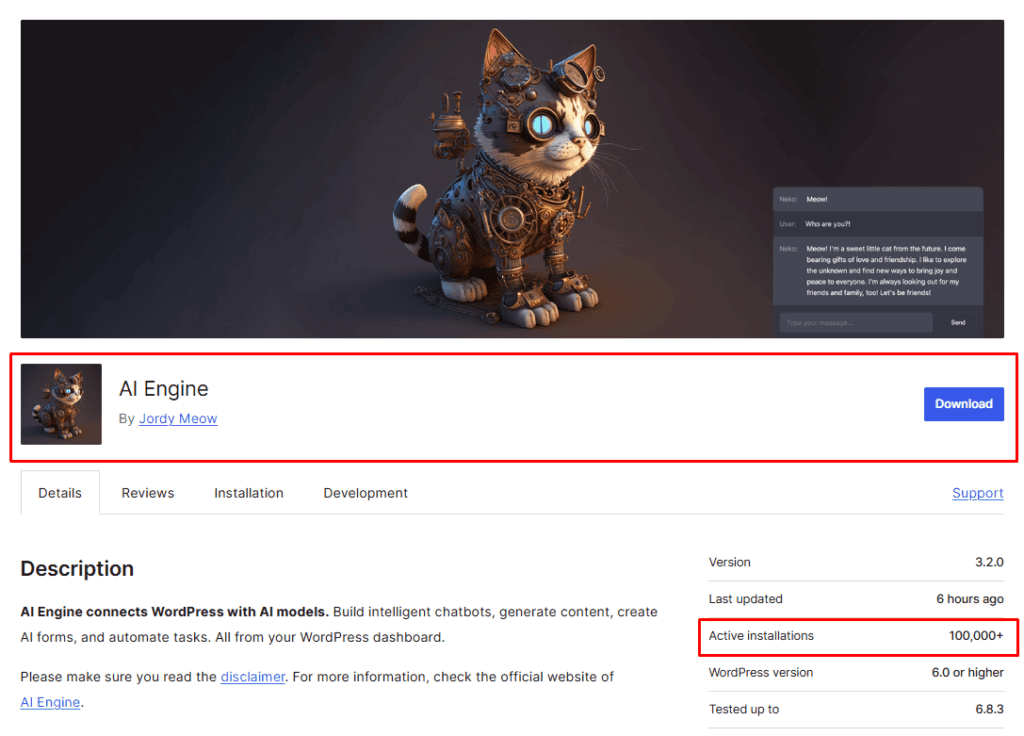
What it is: A full-feature WordPress plugin that connects your site to AI models (OpenAI, Anthropic, etc), allowing, e.g., content generation, image creation, chatbots, custom forms, and code generation via function-calling. WordPress.org+1
Key benefits:
- Works inside WP: generate posts, rewrite content, translate, and generate images.
- Also developer-friendly: offers REST endpoints, hooks, and function-calling so you can build custom AI-powered features on your WP site.
When to use: When you want to add AI features on your WordPress site itself (not just generate code), such as chatbots, automatic content, and AI-enhanced functionality.
Caveats: With great power comes complexity: you’ll need to manage API keys, cost of AI usage, and ensure performance/security. - Best AI for plugin Development, then AI Engine is the priority first
4. Elementor AI
What it is: An AI extension/add-on for the popular builder plugin Elementor that brings AI tools to design, layout, and code generation (CSS/HTML snippets) inside the page builder. Elementor
Key benefits:
- Let’s you generate a website plan/wireframe from a prompt.
- Generate custom code (CSS/JS) inside the builder context.
When to use: If you build sites using Elementor and want to speed up layout/design + custom code rather than starting from scratch.
Caveats: Best for design/layout workflow; might not replace full plugin/custom development tasks. - It is the best AI for Elementor. It helps the WordPress Elementor developers
5. Jetpack AI Assistant
What it is: Part of the well-known plugin Jetpack (by Automattic) — this AI-powered tool helps with content creation inside WordPress (writing, rewriting, tone, translation) directly from the editor. Jetpack
Key benefits:
- Seamless integration inside the WP editor.
- Helpful for content-heavy sites where you need to generate or refine content quickly and maintain brand tone.
- When to use: When your focus is on content (blogs, marketing, multilingual) rather than deep custom code.
Caveats: Less specialized for heavy custom development or advanced plugin code generation.

How to choose & use them effectively
- If your main task is coding custom features/plugins/themes, go for CodeWP or WPCodey.
- If you’re building or customizing sites using page builders and want design + code, Elementor AI is a good pick.
- If you want to embed AI-driven content, chatbots, or advanced features into your WP site itself, use AI Engine.
- If your priority is content creation/rewriting rather than development, Jetpack AI Assistant fits well.
⚠️ Important safety & best practices
- AI-generated code is not guaranteed safe, optimized, or secure. You still need to review it (especially for WordPress: sanitization, escaping, proper hooks, performance). InstaWP+1
- Always test on a staging environment before deploying to production.
- Use version control and backups — AI helps accelerate tasks, but doesn’t replace good dev hygiene.
Final Thoughts For Best AI
In today’s digital world, there are countless Artificial Intelligence (AI) tools available — each designed to make your work smarter, faster, and more efficient. Every AI tool has its own unique capabilities, so choosing the right one depends on your specific needs as a WordPress developer. And Best AI will help you to complete your work smartly.
After careful testing and analysis, we’ve handpicked the 5 best AI tools for WordPress developers that can truly transform the way you work. By integrating these tools into your workflow, you can boost productivity, create more professional and unique websites, and save valuable time.
Start exploring these Best AI tools today — understand their documentation, experiment with their features, and see how they can elevate your WordPress development to the next level learn more from our blogs.

 SHAMIM HASAN