6 Best File Manager Plugin For WordPress
WordPress File Manager is a plugin that lets you manage your website’s files directly from the WordPress dashboard — similar to how you would use cPanel File Manager or an FTP client. This article will help you find the best file manager plugin for WordPress
✅ What WordPress File Manager Does
A typical WordPress File Manager plugin allows you to:
- Upload & download files
- Create, rename, copy, move, or delete files/folders
- Edit files (PHP, CSS, JS, HTML)
- Extract and compress ZIP, RAR, TAR files
- Preview documents (PDF, images, etc.)
- Manage permissions for different user roles
It puts all file operations inside the WP dashboard.
⚡ Why People Use the File Manager Plugin for WordPress
- Avoid opening cPanel or FTP
- Quick theme/plugin edits
- Manage files for clients or team members
- Handle website backups or logs
- Organize uploads quickly
🔒 Important Note (Security)
Because it gives powerful access, you should:
- Use it only if necessary
- Limit access to Admin users
- Keep it updated to avoid vulnerabilities
Online, you will find many articles to get a file manager plugin for your WP website. Let’s find the Best File manager Plugin for WordPress. The top file plugin, which is actually leading the market in managing WordPress files.
1. EasyMedia PRO
EasyMedia Pro (Premium) – The Most Powerful WordPress File & Media Manager
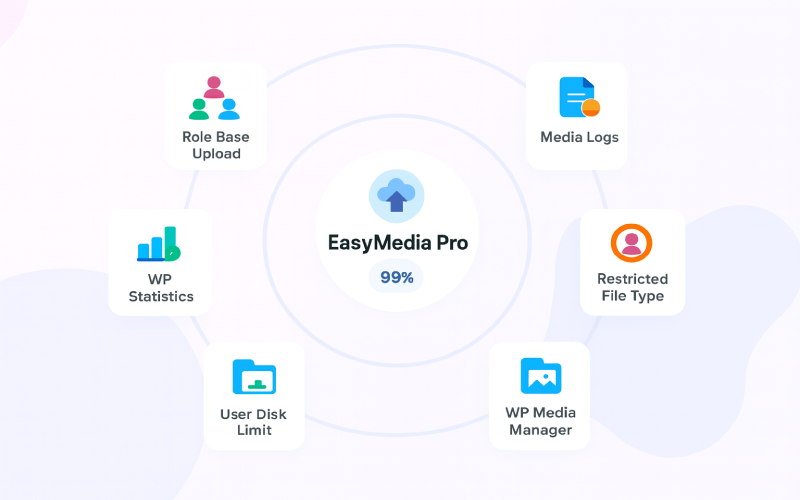
EasyMedia Pro stands out as the best premium file manager and media management plugin for WordPress. It’s designed for users who want full control over their files, folders, and media library without limitations. Unlike many free plugins, EasyMedia Pro offers a complete all-in-one solution packed with advanced features for professionals, agencies, LMS sites, and multi-user platforms.
With EasyMedia Pro, you can manage every aspect of your WordPress media library efficiently and securely. The plugin allows you to set custom file type restrictions, monitor server storage and performance, assign individual user storage limits, and review detailed upload logs — all from a clean, intuitive dashboard. You also get vibrant analytics and an enhanced file manager that makes organizing content faster and more flexible.
If you’re looking for a premium file manager plugin that combines power, speed, and deep media control, EasyMedia Pro is the perfect choice.
2. WP File Manager
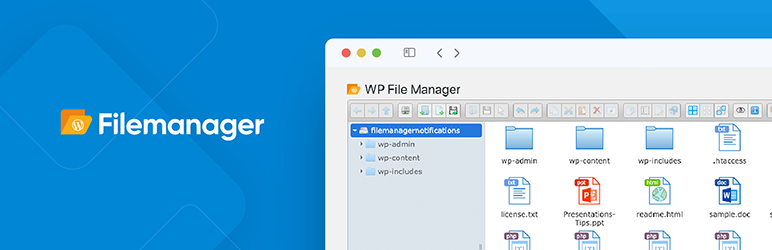
File Manager lets you edit, delete, upload, download, zip, copy, and paste files and folders directly from your WordPress dashboard. No need to use FTP or external tools—everything can be managed in one place. It’s one of the most powerful, flexible, and user-friendly file management solutions ever made for WordPress.
3. FileBird
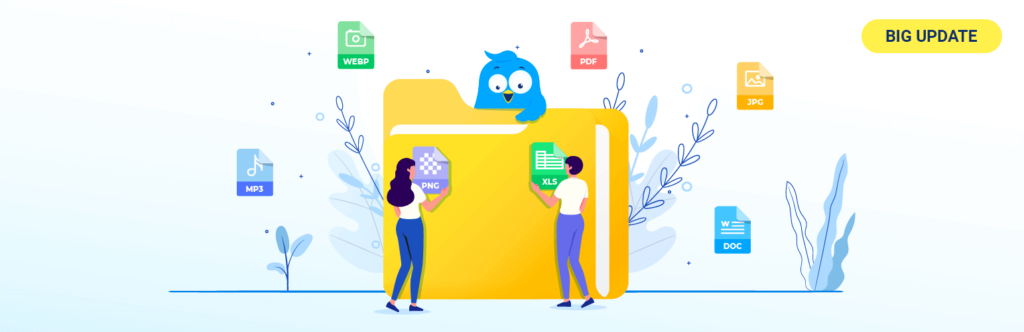
FileBird upgrades your WordPress media library with a clean interface, native folder icons, smooth drag-and-drop management, dynamic galleries, and advanced sorting options. With improved organization, it becomes much easier to insert images into Gutenberg blocks, locate older files, and clean up unused media.
4. File Manager Advanced
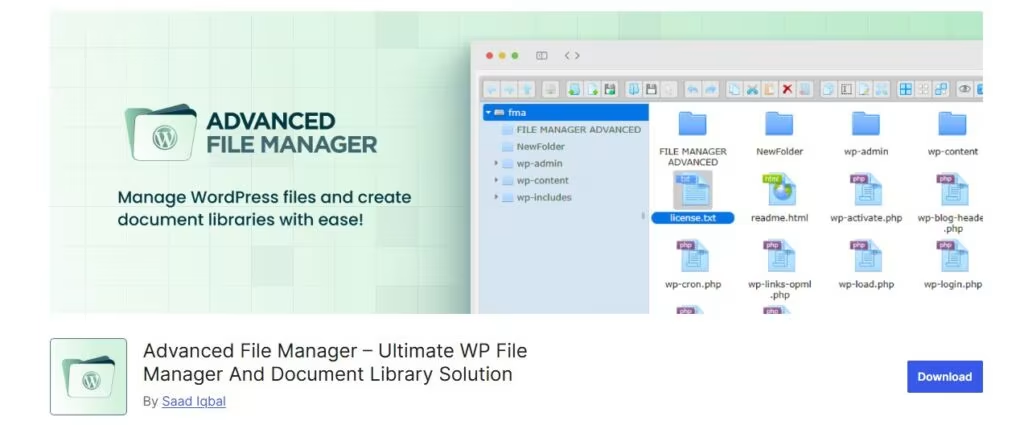
✨ Download Advanced File Manager today! ✨
With this powerful WordPress advanced file manager, you can perform essential file operations—copy, paste, rename, edit, delete, upload, download, and create ZIP archives—directly from your WordPress dashboard. No cPanel or FTP required.
What makes it even better is that the plugin lets you access files outside the WordPress root directory, making it ideal for building document libraries or download manager systems.
Whether you’re a developer working with large files or a regular user who just needs simple file tasks, this plugin has everything you need.
5. WPIDE – File Manager & Code Editor
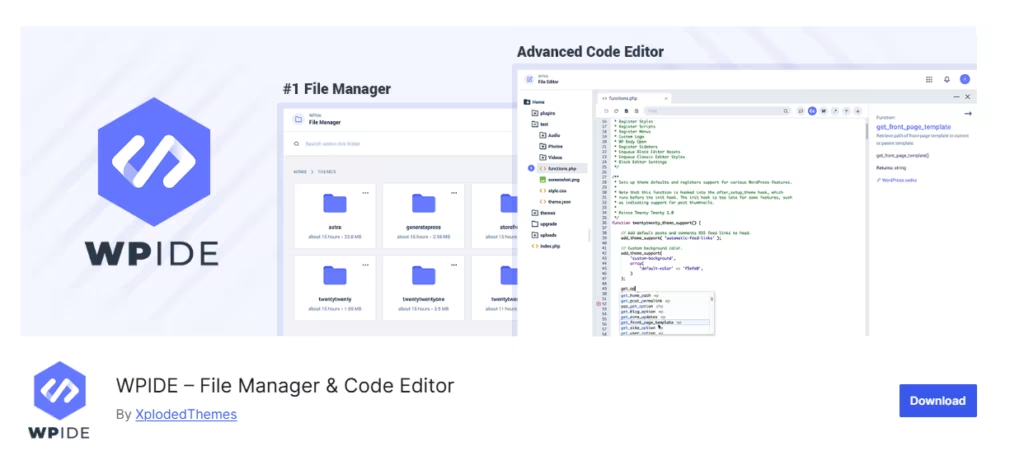
WPIDE is a free, advanced File Manager and Code Editor plugin for WordPress. The built-in Code Editor allows you to edit any file inside your wp-content folder—not just themes and plugins. Its smart code completion helps you remember WordPress and PHP functions with helpful references as you type. You can also work on multiple files at once using the tabbed editor.
The File Manager makes it easy to copy, move, duplicate, archive, download, upload, edit, delete, and preview files or folders—no FTP or cPanel required. WPIDE features a modern, clean, and intuitive interface designed to simplify file management. It even includes six different themes and a dark mode to reduce eye strain.
6. File Manager Plugin
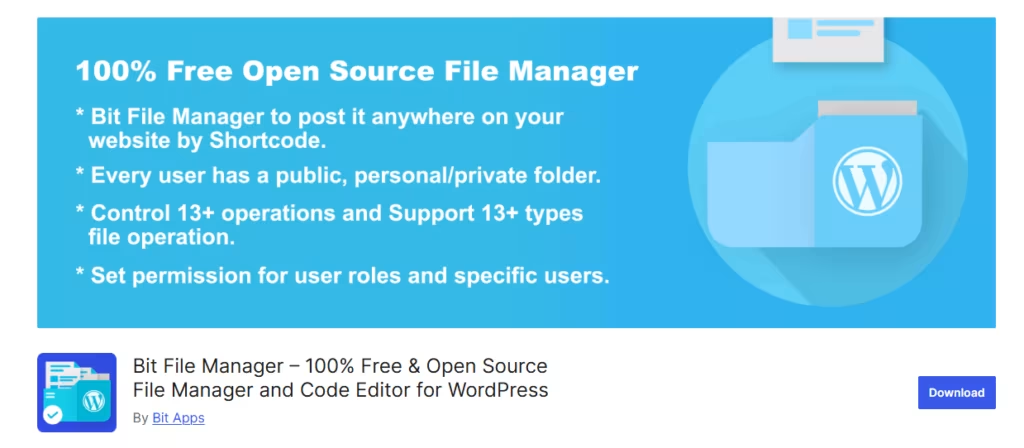
File Manager Plugin delivers exactly what its name promises. It’s straightforward and minimal, and sometimes that’s all you need.
What I Like About It:
- Very easy to use
- Lightweight and doesn’t slow down your site
- Reliable — works without issues
- Completely free
- Small, efficient file size
Our Recommendation
After exploring the top 6 file manager plugins for WordPress, it’s clear that each plugin has its strengths. However, if you’re looking for a complete, premium solution that gives you full control over your website’s files and media, we highly recommend EasyMedia Pro.
EasyMedia Pro is more than just a file manager — it’s an all-in-one media management tool. From setting file type restrictions and managing storage limits for different users to tracking detailed upload logs and server performance, EasyMedia Pro makes managing your WordPress media library effortless and efficient. Its clean, intuitive dashboard ensures that both beginners and advanced users can organize and monitor files seamlessly.
If you want maximum flexibility, security, and professional-grade media management, EasyMedia Pro is the plugin to choose. Investing in this premium tool will save you time, enhance your workflow, and take your WordPress file management to the next level.
Recommendation Article – If You Like To Read (Optional)
If you enjoyed this guide, you might also like some of our other articles! We regularly share tips, tutorials, and insights to help you get the most out of WordPress. From plugin recommendations and website optimization strategies to step-by-step tutorials, our other posts are full of valuable information for both beginners and advanced users.
Here are a few you might find interesting:
- Set upload limit by role in WordPress – You can control WP media with a set upload limit by role in WordPress efficiently. Managing file uploads in WordPress is essential
- How to Make WordPress Media Library Graphical Statistics – The WordPress Media Library stores every image, video, audio file, PDF, and document you upload.
- Set Upload File Type Restriction in WordPress – Set Upload File Type Restriction in WordPress is essential when running a WordPress site, as it controls what types of files users can upload.
- 5 Best AI For WordPress Developers – What is AI If you’re looking for the best AI tools for WordPress developers, this guide is for you.
Take a look at these articles to discover new tools, improve your workflow, and stay updated with the latest WordPress trends.

 SHAMIM HASAN