
 February 7, 2026
How to Sell Digital Products with WordPress: The Complete 2026 Guide
If you want to sell digital products with WordPress, you will get the ultimate foundation as a creator, marketer, or entrepreneur. Selling digital products becomes easier with WordPress, since it lets you launch a store on autopilot. You handle zero inventory and shipping while tapping into a market projected to reach USD 157.39 billion in 2026.
WordPress offers immense popularity, flexibility, and a vast ecosystem of themes and plugins. Thus, you can use this platform to easily adopt this business model of selling digital products.
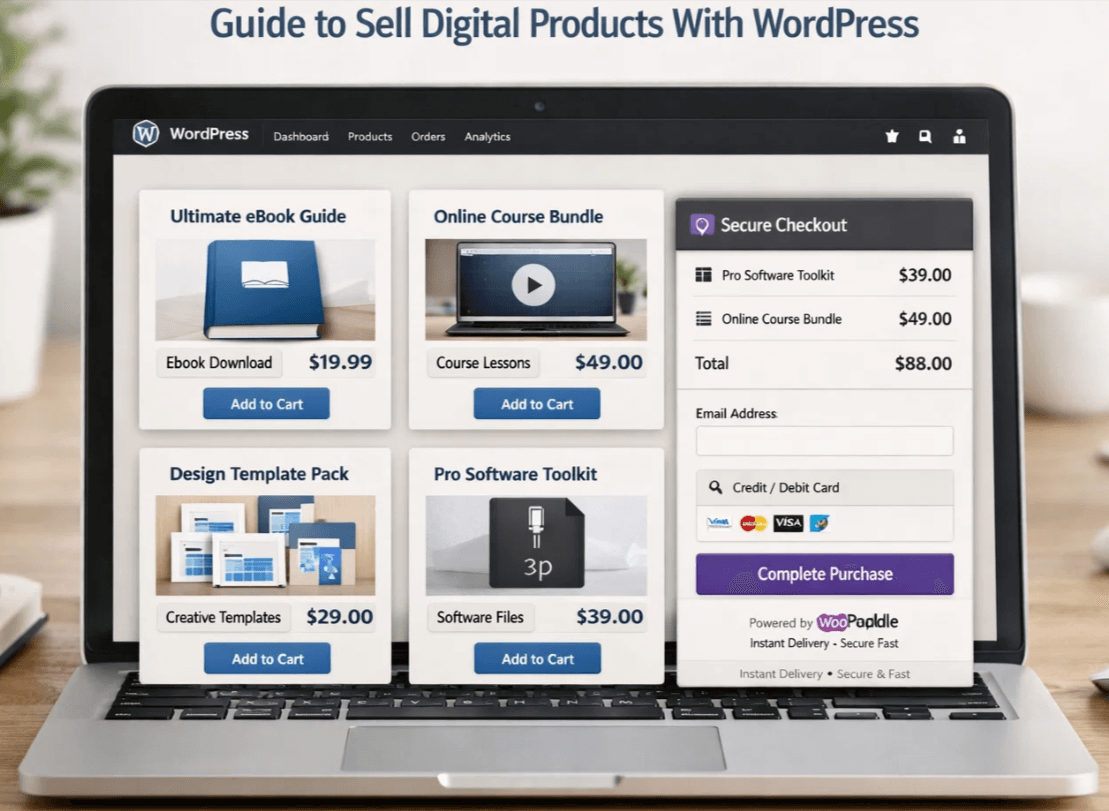
The primary goal is to build a user-friendly digital storefront that converts visitors into customers. This is where WooPaddle comes in: to ensure secure transactions efficiently.
This guide provides a clear roadmap for launching the store, a list of digital products, ways to sell your digital items, and strategies to gain more customers. Plus, you will learn how to expand the business to adapt to the current digital climate. Let’s continue reading.
Why Sell Digital Products With WordPress
The decision to sell digital products with WordPress rests on long-term financial advantages and operational efficiencies. Traditional retail requires a huge upfront investment and effort in logistics management. However, digital commerce eliminates all barriers with the following advantages:
Financial Efficiency
The overhead cost of selling a digital product is exceptionally low compared to physical goods. You are not paying for warehousing, manufacturing, or shipping logistics. The production cost of a digital product is minimal, and the replication cost is nearly zero. The primary costs are hoisting, software, and marketing. Industry data indicate that the average gross margin for digital products is 70%-90%.
Borderless Commerce
When you sell digital products with WordPress, your store becomes available to a global audience. A customer in Tokyo can purchase your ebook while you sleep in London. Payment solutions like WooPaddle handle global payment and tax compliance for you. This borderless nature reduces operational complexity by allowing niche products to acess global market.
Unlimited Scalability
Scalability is the defining advantage when you want to sell digital products with WordPress. You can sell unlimited copies of a single file without extra production effort. You can sell your product thousands time after uploading it to WordPress. You don’t need to plan inventory when traffic is high. This is where SEO, paid ads, or partnerships help you expand the market for your digital products.
Automated Income Stream
WordPress allows you to sell your product unlimited times without you lifting a finger. You don’t need to handle payments, file delivery, invoice or emails. Your earning potential is detached from your working hours. As a result, you can focus on developing new products or marketing the existing ones. This fully automated revenue engine makes it simple to sell digital products with WordPress.
Recurring Cash Flow
Market demand is shifting toward recurring models such as membership, subscriptions, and licensing. Instead of selling a product once, you sell access to a repository of content, a community, or a service. This model dramatically increases a customer’s lifetime value and improves the stability of revenue forecasts.
According to Zuora, Subscription-based digital services will surpass $1.5 trillion globally by 2026.
Table: Top Profitable List of Digital Products You Can Sell in 2026
The market for digital assets is expensive and diverse. So, knowing “what digital products can I sell?” helps you choose what matches your niche. Here is a comparative table of digital products that sell well in 2026:
| Product Type | Example | Market Trends For | Avg Monthly Revenue Potential |
| AI Generated Assets | Stock images, music tracks, and synthetic voiceovers | High demand for high-quality, unique AI content | $500 – $5,000+ |
| Comprehensive Ebooks | Industry guides, technical manuals, specialized fiction | Trend toward highly specific, problem-solving content | $200 – $3,000+ |
| Interactive Templates | Notion dashboards, Figma UI kits, and advanced spreadsheets | Focus on productivity and workflow automation | $300 – $4,000+ |
| Educational Content | Video courses, coding bootcamps, language modules | Shift toward shorter, focused modules over long courses | $1,000 – $10,000+ |
| Membership Access | Private communities, premium newsletters, stock alerts | High demand for curated information and community | $500 – $20,000+ |
| Software and Plugins | WordPress plugins, SaaS access, browser extensions | Specialized tools that solve niche technical problems | $1,000 – $50,000+ |
| Creative Assets | 3D models for VR, high fidelity textures, sound effects | Integration with metaverse and gaming platforms | $300 – $6,000+ |
| Printables | Planners, worksheets | Etsy-style sales; low effort | $300 – $8,000 |
| Apps/Mobile | Fitness trackers, productivity tools | Mobile-first buyers | $3,000 – $50,000 |
| Webinars | Live sessions on SEO trends | One-time high-ticket sales | $500 – $10,000 per event |
| Certificates | Skill badges, completion proofs | Education verification demand | $100 – $5,000 |
Note: Revenue potential varies significantly based on niche, audience size, marketing effort, and product quality. These figures represent potential for established creators and businesses, not guarantees for beginners.
Profitable List to Sell Digital Products With WordPress in 2026
Below is a thorough breakdown of the most popular digital products that sell well. The breakdown explains the market demand, example use cases, and revenue potential.
Online Courses and Educational Content
Online learning continues to grow with priorities in acquisition and personal development. This allows you to monetize expertise through structured video lessons, written modules, and quizzes. WordPress plugins like LearnDash make managing these products when you sell digital products with wordpress.
Examples: Coding bootcamps, language learning modules, specialized industry certifications.
Ebooks and Digital Guides
Ebooks remain popular due to their low cost and immediate accessibility. The current trend is toward highly specific, problem-solving content rather than generic topics. These are ideal to sell digital products with wordpress because they require minimal bandwidth for delivery.
Examples: Technical manuals, niche industry guides, specialized fiction.
Templates and Digital Tools
This category is driven by the need for increased productivity and workflow automation in business and personal life. Creators frequently sell digital products with wordpress to provide instant access to these functional tools.
Examples: Notion dashboards, Figma UI kits, and advanced financial spreadsheets.
Printables and Planners
These products are simple to produce and can be printed at home. They are popular on marketplaces like Etsy because they require low production effort. However, you can maximize margins when you sell digital products with wordpress directly to your audience.
Examples: Digital planners, productivity worksheets, daily habit trackers.
Stock Assets
Generic assets are in high demand for marketing, content creation, and creative projects. The market requires a constant supply of fresh, high-quality media. WordPress themes designed for digital downloads make it easy to sell digital products with wordpress in this category.
Examples: AI-generated images, synthetic music tracks, VR 3D models.
Membership Access and Subscriptions
This model offers predictable and recurring revenue from loyal customers rather than one-time sales. Using specialized plugins to sell digital products with wordpress allows you to restrict access based on user role or payment status.
Examples: Premium newsletters, private community forums, real-time stock alerts.
Software, Plugins, and Mobile Apps
This type of product fits for those with digital skills who want to sell digital products with WordPress. These tools fix specific problems, save time, or add functionality to existing platforms like WordPress. The primary method involves offering secure, licensed downloads via the best payment gateways such as WooPaddle.
Examples: WordPress plugins, niche SaaS tools, fitness tracking apps.
Live Webinars and Virtual Events
These are high-ticket, one-time sales for live, expert-level training or interactive sessions on current trends. You can sell it by using event ticketing plugins to manage registration and access.
Examples: Live SEO workshops, masterclasses on AI implementation.
Certificates and Digital Badges
There is a rising demand for verified proof of skill completion, which can be sold to individuals or organizations. You can sell digital products with wordpress by automating the generation of PDFs upon course completion.
Examples: Skill badges for courses, completion verification for training modules.
Core Trends Shaping Digital Sales in 2026
You must understand current trends to successfully sell digital products with WordPress. The market is more dynamic and faster compared to previous years.
AI Integration: Consumers look for products that utilize AI to solve complex problems faster. Creators use AI to accelerate production, but the premium lies in the human oversight and curation of the final product.
The Subscription Economy: Customers prefer paying a monthly fee for continuous updates or new content. This requires a robust membership plugin setup within your WordPress store.
Hyper Personalization: Customers demand personalized digital planners, templates, and guides rather than generic products. The ability to customize a template or guide to the user’s specific situation adds immense value.
Interactive Media: Static content is losing ground to interactive media. This includes 3D assets, VR guides, and immersive educational content. If you are selling educational material, a simple PDF is less valuable than a interactive simulation.
Step-by-Step Guide: How to Sell Digital Products With WordPress
Building your storefront requires careful planning and execution. Follow these steps to set up your site and sell digital products with WordPress:
- Planning and Product Creation
Developing high-quality digital assets starts with understanding your audience’s specific needs.
- Identify your niche and solve specific problems
- Develop high-quality digital assets to build customer trust and minimize return rates.
- Ensure your products are formatted correctly for immediate digital delivery.

- Set up your WordPress site
Set up your WordPress site with the following steps:
- Register a domain name that reflects your brand and is easy to remember.
- Choose high-speed hosting for better SEO and a better user experience.
- Install WordPress, WooCommerce, and eCommerce ready theme.
- Setup All Essential Plugins:
To sell digital products with WooCommerce, you will need the following plugins:
- Install and configure WooCommerce to set up any type of product.
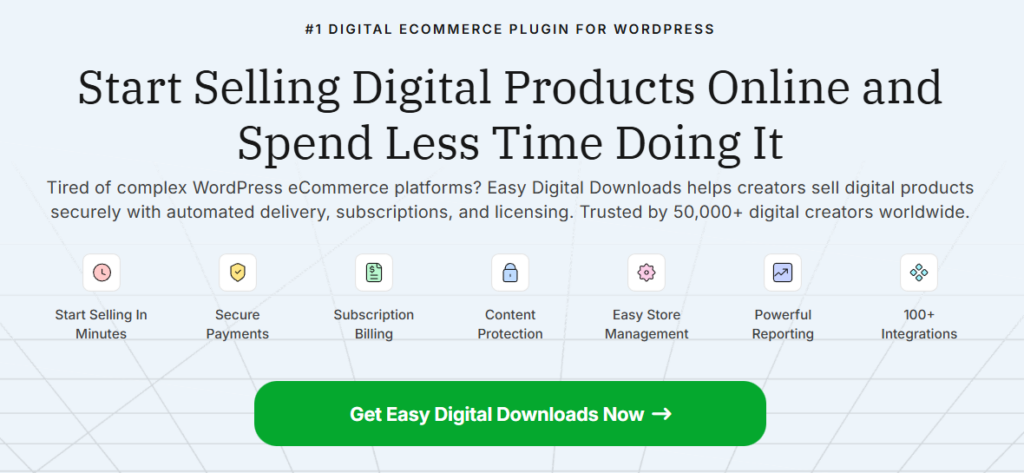
- Easy Digital Downloads (EDD) which specilaizes for digital items.
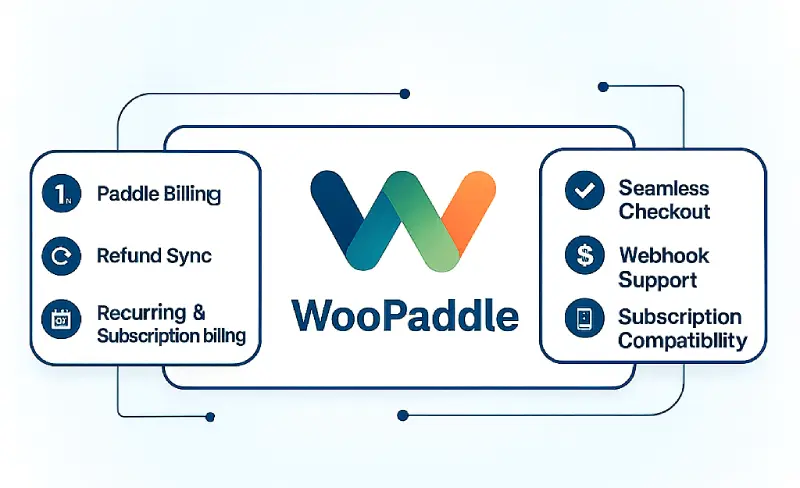
- WooPaddle for collecting subscription-based payments from a global audience.
- LearnDash or TutorLMS for courses.

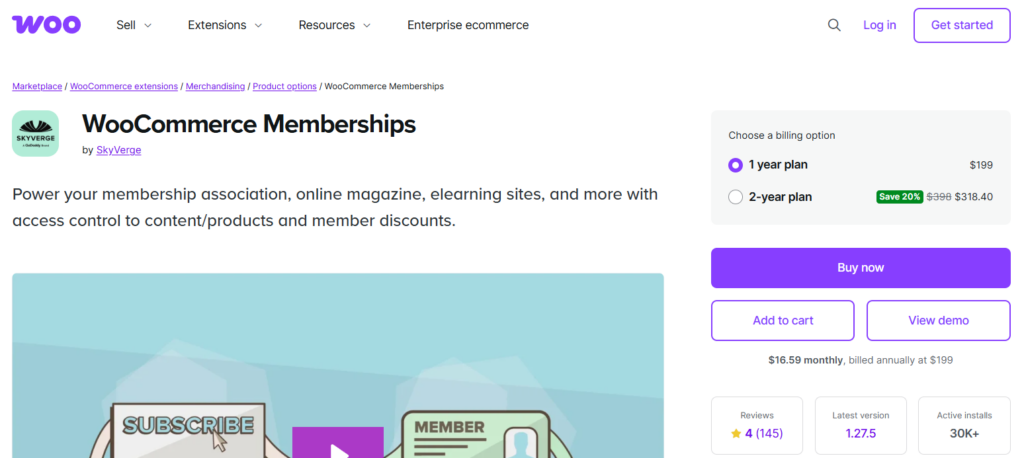
- MemberPress or WooCommerce membership for access control.
- Configure E-Commerce Plugins for Digital Products
WooCommerce requires the following configuration:
- Install and activate WooCommerce.
- Go through the setup wizard and fill in store and currency information.
- Ensure you’ve set digital product settings as “Downloadable” and Virtual.
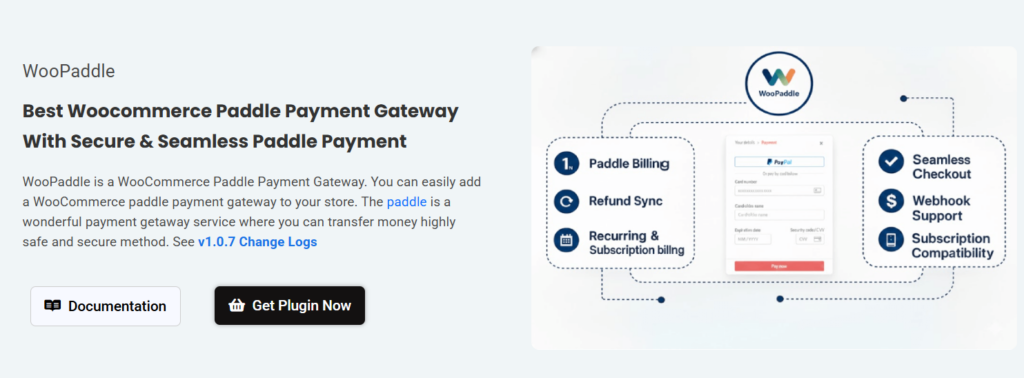
- Add payment methods as – WooPaddle, Stripe, or PayPal.
- Create and Upload Your Digital Products
Presenting your digital assets with the following instructions:
- Write clear titles and descriptions for each product that explain exactly how it helps the buyer solve a problem.
- Add images or preview samples to help customers visualize the product before purchase.
- Choose competitive pricing based on research of similar items in your niche.
- Use file protection settings to stop illegal sharing and secure your intellectual property.
- Optimize the Customer Experience
Make the customer’s buying journey easy with the following steps:
- Keep checkout simple by removing unnecessary fields and enabling guest checkout for faster purchases.
- Make your site mobile-friendly to accommodate the high volume of buyers using smartphones.
- Set up automated order emails that immediately send download links upon successful payment.
- Let people have accounts to manage purchases, access past downloads, and update their information.
- Provide immediate help via a support page or live chat to resolve issues before they result in refunds.
- Promote Your Digital Products
Spread the word when you aim to sell digital products with WordPress:
- Write blog posts or guides that demonstrate the value of your products.
- Use SEO keywords throughout your site to boost search traffic for digital products that sell well.
- Build an email list by offering a lead magnet, then send helpful updates and promotional offers.
- Post on social media about your launch, sharing behind-the-scenes content and special discounts.
- Try paid ads on search engines and social platforms to reach new people quickly.
- Invite affiliates to promote your items and earn a commission for each sale they generate.
- Analyze and Optimize
Continuously improve your store by analyzing the following data:
- Site visits and sales with analytics tools to understand which products perform best.
- Test different product page text, images, and pricing to see what improves your conversion rate.
- Ask customers for feedback and reviews to build social proof and identify areas for improvement.
- Add related products as recommended extras at checkout to increase your average order value.
Advanced Strategies for Scaling Your Digital Product Store
Here are some tips to increase WooCommerce sales and build a stronger business to sell digital products with WordPress:
- Bundle related items to boost perceived value and increase average order value.
- Offer tiered pricing, such as personal and commercial licenses
- Convert one-time purchasers into recurring customers by turning static content into a subscription model.
- Foster a loyal customer base by creating forums or private groups
- Go global by supporting multiple currencies, languages, and localized pricing
- Partner with complementary creators to cross-promote products
- Use automated email marketing to nurture leads from free downloads
- Optimize product pages for conversational search queries
- Leverage brand ambassadors by offering commissions for every sale they refer to your store.
- Monitor performance metrics to identify bottlenecks in the sales funnel and optimize underperforming products.
Overcoming Common Challenges When Selling Digital Products
You will encounter challenges, but they are manageable with the right approach.
Piracy: Use advanced file protection measures, such as expiring links, IP address restrictions, and file watermarking. Focus on providing value that pirates cannot easily replicate, such as community access or frequent updates.
Chargebacks: Manage refunds within the WooPaddle dashboard. Chargebacks can be costly, so clearly define your refund policy. Provide excellent customer service to resolve disputes before they escalate to chargebacks.
Competition: If you are selling generic ebooks, you will struggle. If you are selling highly specific templates for a particular software used by a particular profession, you will thrive.
Final Words on Launching Your Digital Store With WordPress
Selling digital products with WordPress in 2026 presents an unmatched opportunity. You can construct a flexible, automated business that operates 24/7. The tools are mature, the audience is expansive, and the overhead is remarkably low.
You need to focus on:
- Quality product creation
- Use the capabilities of WordPress
- Secure transactions with WooPaddle
That’s it, you are set to gain a sustainable passive income stream. The shift toward subscription models and AI integration means that agility is key to longevity in this space. Do not wait for the perfect moment. Instead, sell digital products with WordPress, gather data, and refine your approach.
Recommended Articles (Optional)
If you enjoyed this article, check out some of our other useful articles, where we share tips and tactics to grow your WooCommerce store and rate it from 0 to 100.
Here are a few you might find interesting:
- How to choose the best payment gateway in WooCommerce, where the WordPress Media Library stores every image, video, audio file, PDF, and document you upload.
- WooCommerce vs Shopify: Which is Better for Beginners?, where you’ll be given a comprehensive comparison between WooCommerce and Shopify, including pricing, convenience, control, and payment methods.
- Best WooCommerce PDF Invoice and Shipping Documents Plugins, where we’ll look at some of the top plugins available, simplifying your search for the most effective solutions to manage your WooCommerce store’s document generation process.
- 5 BEST WOOCOMMERCE PLUGINS TO INCREASE SALES, 4TH ONE IS THE BONUS, Wher you will get a curated list of some of the essential WooCommerce plugins to level up your online store.