
 November 8, 2025
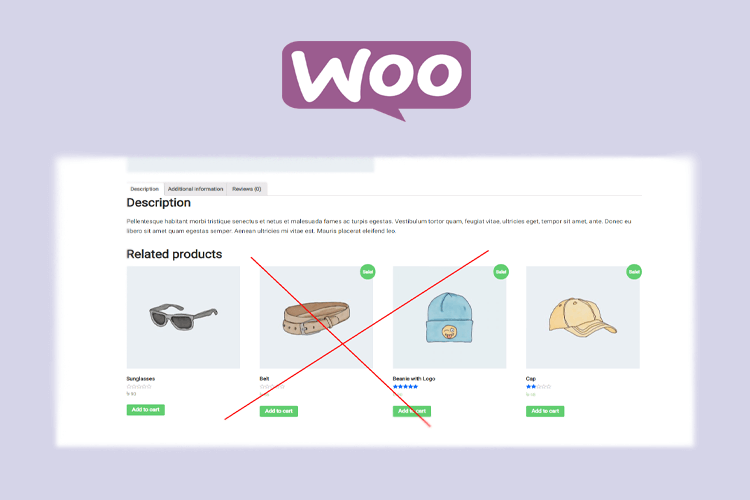
Powerful Way to Disable or Remove Related Products in WooCommerce - 2025
There are many ways to remove related products in WooCommerce. You can simply install a WordPress plugin to hide WooCommerce Related products.
WooCommerce-related products are set up with the transparent intention to show your WooCommerce store visitors to more of your product range. Why else would WooCommerce show related products on your product pages? There’s a profit incentive.
WooCommerce Cross Sell on the Cart Page and WooCommerce Upsells on the merchandise Page (all sorts of WooCommerce linked products) also come as standard features of WooCommerce Core. Meaning actually, at anybody time you’ll be bombarding the hard-earned customer with other products before they’ve even decided to form their first purchase from your store.
You may have wondered How does WooCommerce pick Related Products to point out on the merchandise Page Unlike WooCommerce Cross-Sells or WooCommerce Upsells, WooCommerce Related Products can’t be specified by you, but they will be influenced by putting similar products within the same Product Category or by using equivalent Product Tags. You’ll have thought that your site was organizing WooCommerce-related products by category only, but it also takes into consideration Product Tags.
How to Remove WooCommerce Related Product
- Log in to your WordPress website
- Click on Appearance
- Click on Theme Editor.
- Edit the functions.php
After editing the functions.php, please insert the below PHP code.
/**
 * Remove related products output
 */
remove_action( 'woocommerce_after_single_product_summary', 'woocommerce_output_related_products', 20 );
Hide WooCommerce Related Product with WordPress Plugin.
You can also use WordPress Plugin to remove Related products for your Woocommerce website.
If you still need any help, please contact us.