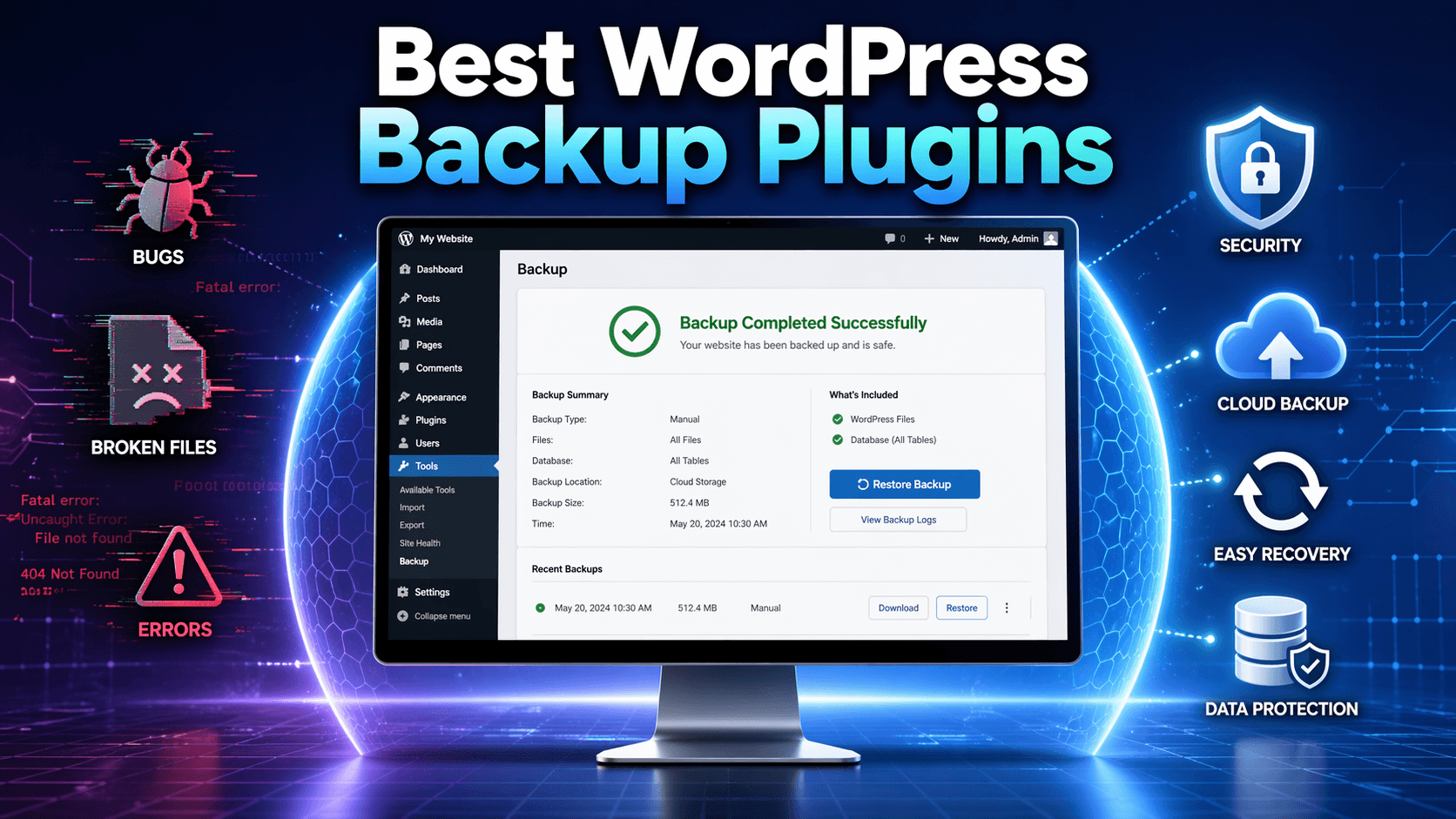
10 Best WordPress Backup Plugins in 2026 (Free and Paid)
Website security in the WordPress ecosystem is becoming more complex than ever before. Patchstack noted more than 11000 WordPress vulnerabilities last year alone. This is where the best WordPress backup plugins become essential to keep your data intact.
Having a reliable automated WordPress backup strategy protects your data and gives you peace of mind. Most WordPress site owners respond to this reality by installing a security plugin and calling it done.
What they miss is the second half of the equation: a WordPress backup plugin. It helps you get back online when hacking, update failures, database corruption, or a hosting disaster occurs.
In this article, we are covering the 10 best WordPress backup plugins for 2026. Every plugin on this list has been evaluated for both its strengths and its real-world limitations. So, you can make the right pick for your specific site.
Table of Contents
Why Your WordPress Site Needs a Dedicated Backup Plugin
Your web host will provide a built-in backup system, which is not enough to create a complete safety net. Hosting backups typically live on the same server as your live site.
However, that server can go down due to hardware failure, account compromise, or botched migration. This is where you can lose both your site and the host-side backups.
This is exactly what happened during the OVHcloud Strasbourg datacenter fire on March 10, 2021. The SBG2 building was completely destroyed, and thousands of websites went offline. Customers who were storing their backups in that datacenter in a live server lost both without any path to recovery. However, sites with off-site backups through a WordPress backup plugin recovered by pointing their DNS to a new server.
A purpose-built WordPress backup plugin resolves this data loss issue by storing copies of your site. It keeps the data in remote locations like Google Drive, Dropbox, Amazon S3, or the plugin provider’s own secure cloud.
The three capabilities that separate great WordPress backup plugins from mediocre ones are:
- Automated scheduling — an automated WordPress backup runs on a defined schedule without you touching a thing
- Off-site cloud storage — copies stored outside your hosting environment
- Reliable restoration — the ability to actually recover your site when it matters
Quick Comparison: Best WordPress Backup Plugins at a Glance
| Plugin | Free Version | Cloud Storage | Real-Time Backup | Best For |
| Duplicator Pro | Lite (Manual) | Yes | No | Disaster recovery and migrations |
| UpdraftPlus | Yes (Full) | Yes | No | Reliable, beginner-friendly free backups |
| VaultPress Backup | No | Yes | Yes | WooCommerce and business-critical sites |
| BlogVault | Trial Only | Internal | Yes | Large sites and news publishers |
| Solid Backups | No | Yes | Yes | Agencies needing a security/backup combo |
| WPvivid | Yes (Full) | Yes | No | Freelancers managing multiple site moves |
| BackWPup | Yes | Yes | No | Lightweight database-focused protection |
| All-in-One WP Migration | Yes (Size Limit) | Add-on | No | Non-technical users and quick site moves |
| WP Time Capsule | Trial Only | Yes | Yes | Incremental protection on shared hosting |
| ManageWP | Yes (Add-on) | Yes | No | Centralized multi-site dashboard management |
The 10 Best WordPress Backup Plugins for 2026
We’ve evaluated four consistent criteria for each plugin on this list –
- Backup reliability
- Restore speed,
- Cloud storage option
- Real-world limitations
Most roundups overlooked these criteria when it comes to sorting the best WordPress backup plugins. One of these plugins will fit your exact needs, whether you’re running a blog, a WooCommerce store, or managing a multisite.
1. Duplicator Pro
Best for: Site owners who want a true all-in-one tool for backups, migrations, and cloning. Also, the top pick for developers managing multiple client sites.
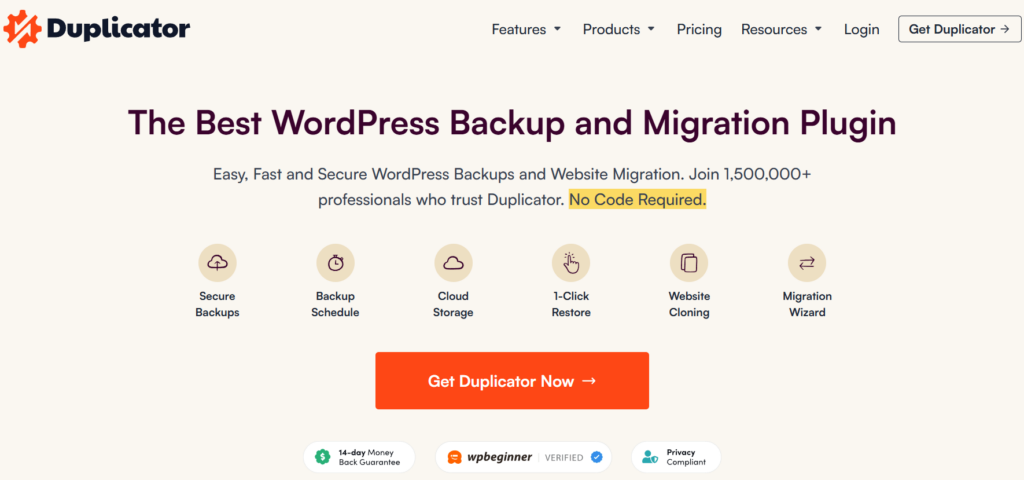
Duplicator Pro earns its top position among the best WordPress backup plugins because it does something unique. You can restore your site even when you are completely locked out of the WordPress admin panel. This single feature makes this plugin outsmart other plugins in real disaster scenarios.
More than 1.5 million users trust Duplicator Pro due to its backup creation capability. It creates a backup of your files, database, plugins, and themes into a single compressed archive called “package”. You can restore from this package without any WordPress installed on the destination server.
What makes it stand out:
- One-file backup that contains the entire site
- Drag-and-drop migration to any new server or host
- Automated hourly, daily, weekly, or monthly backup scheduling
- Support for Amazon S3, Google Drive, Dropbox, OneDrive, FTP, and SFTP
- Disaster recovery mode that works without WordPress being active
Limitations:
- The free version (Duplicator Lite) does not support scheduled backups
- Time out errors on shared hosting with a low PHP memory limit
- No real-time backup capability
Pricing: Free with manual backup only. Duplicator Pro starts at $69.30/year for 2 sites.
2. UpdraftPlus
Best for: anyone who needs a reliable free WordPress backup plugin with minimal setup.
UpdraftPlus is the most installed among all the best WordPress backup plugins out there. It has a whopping 3 million active installations with a 4.8/5 rating. The free version is powerful enough to outshine other competitors that require the pro version.
The free tier includes scheduled backups to Google Drive, Dropbox, Amazon S3, Rackspace, and even email. The restore process is two clicks: select your backup, click restore. You do not need manual intervention to move files.
What makes it stand out:
- Completely free automated backups to multiple cloud destinations
- Clean, beginner-friendly interface with no steep learning curve
- Premium version adds incremental backups, database encryption, and multisite support
- Extensive community documentation and support
- One-click restore from the WordPress dashboard
Limitations:
- No out-of-admin recovery mode
- Multisite network support requires the premium tier
Pricing: Premium plans start at $70/year
3. Jetpack VaultPress Backup
Best for: WooCommerce stores, membership sites, and any business looking for the best WordPress backup plugins with real-time protection.
VaultPress is now integrated into the Jetpack ecosystem. The real-time backup capability is unmatched when it comes to business-critical sites.
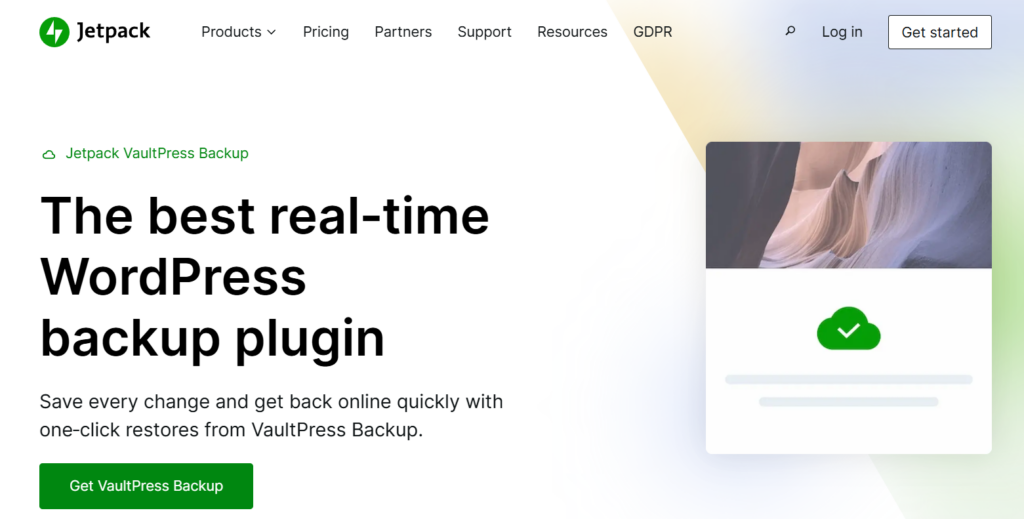
VaultPress Backup captures every change in real time instead of backing up on schedule. It saves every post update, product order, and customer record the moment it happens. You can restore to the exact state before a problem occurred. Even if it’s a WooCommerce store that processes transactions throughout the day.
Your store’s transaction data stays safe when you pair real-time backup with a solid payment layer.
Note: Try WooPaddle if you are running a WooCommerce store and rely on the Paddle payment gateway. It’s a dedicated WooCommerce Paddle payment gateway that handles various payment methods through a single checkout. You can pay via credit cards, PayPal, Apple Pay, and Google Pay.
What makes it stand out:
- Real-time backup of every database change and file update
- Backs up over 270 million websites globally
- One-click restore directly from Jetpack’s mobile app
- Integrates with Jetpack security scanning and uptime monitoring
- No performance impact since backup processing happens off-server
Limitations:
- A full year of restore history requires a higher-tier plan
- Managing multiple sites becomes costly quickly
Pricing: VaultPress Backup starts at $9.95/month.
4. BlogVault
Best for: Large WordPress sites, news publishers, and agencies managing multiple websites with heavy media libraries.
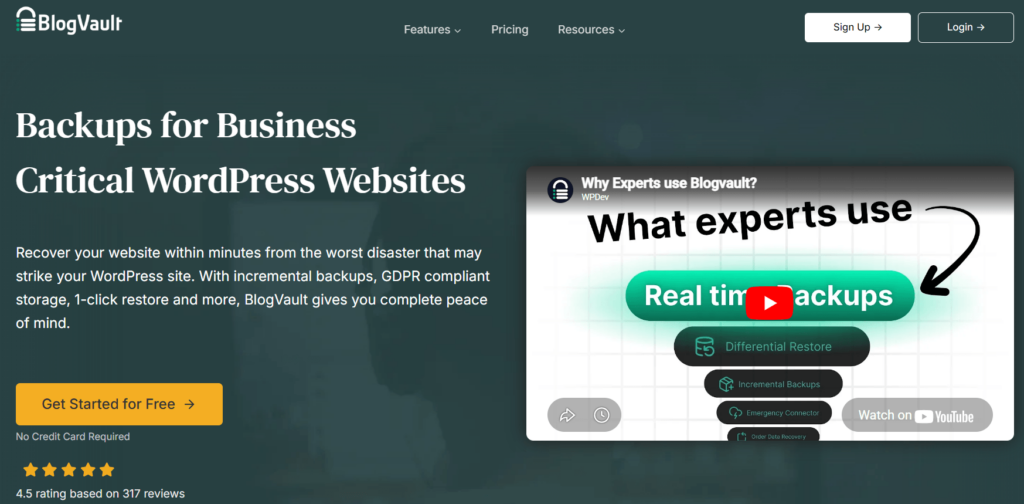
BlogVault sits in a different performance class from most of the best WordPress backup plugins on this list. More than 450,000 WordPress sites rely on this plugin, including large agencies and publishers who cannot afford backup failures.
The incremental backup system of this plugin makes it unique from general-purpose plugins. This process captures data that has changed since the last run. This means it won’t copy your entire site every time. Therefore, each backup becomes faster, uses less storage, and causes zero performance degradation on your live site.
Note: Large sites often carry heavy image and video assets after growing over time. Hence, it’s worth pairing your backup routine with a dedicated media management tool. This is where EasyMedia comes in with the best WordPress media management features. Get file type restrictions, individual user storage limits, upload logs, and server status monitoring from a single dashboard.
What makes it stand out:
- Incremental backups that capture only changed data
- 100% restore success rate reported across its user base
- Free staging environment included with all plans
- Off-site storage on BlogVault’s own secured servers
- Supports real-time and daily automated backups
Limitations:
- Higher price point compared to most alternatives
- Backups are stored exclusively on BlogVault’s own servers — no option to route to Google Drive, Amazon S3, or other preferred cloud providers
Pricing: The Pro version of Blogvault Starts at $49.50/year.
5. Solid Backups (formerly BackupBuddy)
Best for: WordPress professionals and agencies who want a fully integrated backup, migration, and security workflow in a single solution.
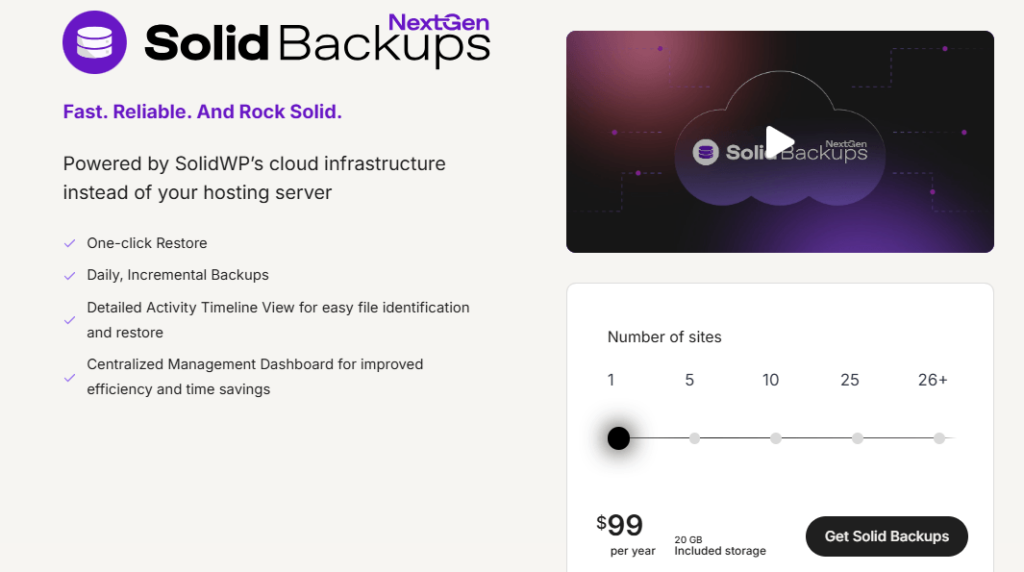
Solid Backups remains one of the best WordPress backup plugins with a focus on core security. It provides a complete package that includes backups, restorations, and site hardening. You will get rich features like automated backups, malware scanning, and site migration all under one roof.
The plugin backs up your entire WordPress installation, including the database. Plus, it lets you restore it to any server. Its “ImportBuddy” tool handles the restore process with a user-friendly wizard.
What makes it stand out:
- Full site backups including themes, plugins, uploads, and database
- Automated scheduling with real-time email alerts
- One-click restore via ImportBuddy wizard
- Stash Live feature for continuous off-site storage
- Supports Google Drive, Amazon S3, Dropbox, and Rackspace
Limitations:
- Premium-only with no free version or trial period
- Initial configuration is less intuitive compared to newer alternatives
Pricing: Premium-only, starting at around $99/year for a single site.
6. WPvivid
Best for: Freelancers and agencies who need a cost-effective WordPress backup plugin that also handles site migration.
WPvivid has quickly become a favorite because its free version includes features that most other plugins charge for. The free version includes scheduled backups, cloud storage integration with Google Drive, and Dropbox.
It is designed for site owners, freelancers, and agencies managing multiple websites. The plugin handles both backup creation and site migration through a single interface. The interface is clean and modern, catering to users who find older plugins cluttered.
What makes it stand out:
- Free scheduled backups to Google Drive, Amazon S3, Dropbox, and SFTP
- Include/exclude rules to customize exactly what gets backed up
- Staging and migration tools are included in the free version
- Designed for managing multiple sites from a single dashboard
Limitations:
- No incremental backups in the free version
- Real-time backup is not available at any price tier
- Free version lacks a centralized multi-site dashboard
Pricing: Free version available. Premium plan starts at $49 for 2 domains.
7. BackWPup
Best for: Bloggers and content sites where the database is the primary asset to protect.

BackWPup is a lean, focused entry in the best WordPress backup plugins category. The plugin focuses on reliable and automated WordPress database backups. It’s an ideal option for content-heavy sites where the database contains a significant portion of the critical data.
The free version comes with various storage options, including S3 services and FTP. The level of technical depth of this plugin is one of a kind.
What makes it stand out:
- Backs up WordPress database, XML exports, and installed plugins list
- Sends backups directly to Amazon S3, Dropbox, Google Drive, or email
- Multisite compatible in the free version
- Scheduling is straightforward to configure for non-technical users
- Has minimal impact on server resources
Limitations:
- Theme files, media uploads, and plugin files need separate configuration for backup
- Restoring requires manually importing through phpMyAdmin or a similar database tool
Pricing: Free version available. Pro version starts at $49/year for 2 domains.
8. All-in-One WP Migration
Best for: Non-technical WordPress users who need a simple backup-and-restore tool while moving between hosts.

All-in-One WP Migration is one of the most widely used WordPress plugins, with over 5 million active installations. It works as a migration plugin first, then as a backup-and-restore solution.
The plugin bypasses all upload and memory limit restrictions by importing and reporting data into small chunks. This ability makes it a reliable option for WordPress site restores in a shared hosting environment with restrictions.
What makes it stand out:
- Five million plus active installations with strong community trust
- Exports a complete site snapshot in one file for easy portability
- Import to any server with a drag-and-drop interface
- Works without any coding or server access knowledge
- Compatible with all major hosting providers
Limitations:
- Free version caps exports at 512MB, which is not ideal for a site with a heavy media library or WooCommerce catalog
- Cloud storage integration (Google Drive, Dropbox, Amazon S3) is sold as a separate paid add-on
9. WP Time Capsule
Best for: Those who want incremental WordPress backup and recovery protection without pressuring server resources.
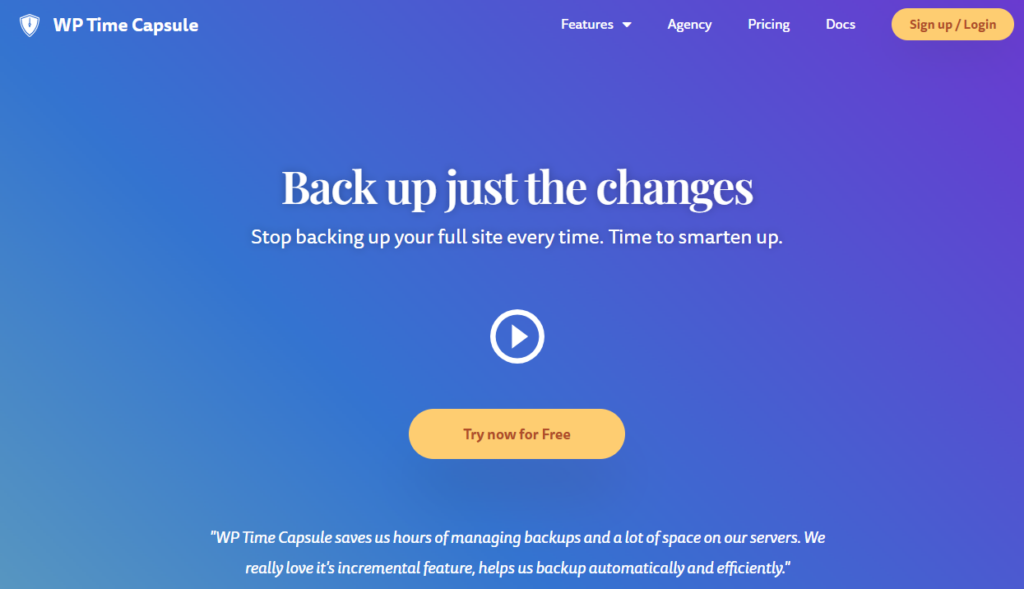
WP Time Capsule sits in a distinct position among the best WordPress backup plugins. In 2026, it remains a top choice because of its unique approach to data handling.
This plugin won’t zip or compress your backup files. This means it only detects and saves the specific files and database entries you have changed. Then, it sends them directly to your cloud storage without any delay.
One of its most impressive features is the calendar-based WordPress site restore interface. You can restore your backups by selecting any date on the calendar.
What makes it stand out:
- Incremental real-time backups that record only changes, not full site copies
- Files go directly to cloud storage, reducing server strain
- Automatic backup triggered every time you update a plugin, theme, or WordPress core
- Built-in staging environment for testing updates before pushing to live
- Supports Google Drive, Dropbox, Amazon S3, Wasabi, and Backblaze
- One-click restore with calendar-style backup browser for easy point-in-time recovery
Limitations:
- Only a 30-day fully featured trial is required before payment
- An initial full backup can be slow on large sites
- White-label and agency features are locked to higher-priced plans
Pricing: Starts at $49/year for the Business plan covering 2 sites.
10. ManageWP
Best for: Agencies and developers managing multiple client WordPress sites who want centralized backup control.
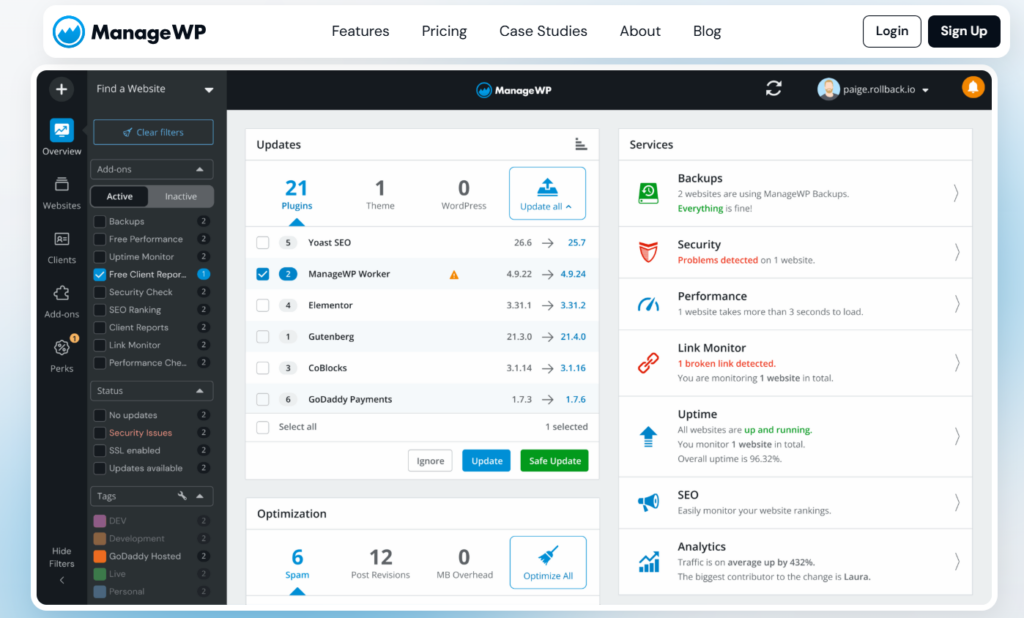
ManageWP approaches backup as a site management function rather than a standalone plugin. This integrated backup module lets you schedule runs and restore backups across multiple sites.
You will get a unified WordPress backup and recovery interface that makes it easy to manage the entire process. The “Safe Update” feature automatically takes a backup before updating any plugins
What makes it stand out:
- Manage backups across unlimited WordPress sites from one dashboard
- Incremental backups with off-site cloud storage
- One-click restore with restore point history
- Integrates with site performance monitoring and security scanning
- Free basic plan available with paid backup add-on
Limitations:
- Backup functionality requires a paid add-on on top of the base subscription
- Interface complexity adds unnecessary friction for users.
- Restore speed varies significantly depending on site size and destination hosting environment
Pricing: The backup premium add-on costs on a usage basis.
How to Choose the Right WordPress Backup Plugin for Your Site
Choosing from the best WordPress backup plugins comes down to four variables:
- Site complexity: A personal blog requires a different backup plugin than a WooCommerce store processing daily orders. A real-time backup through VaultPress is worth the cost for high-transaction sites. However, the UpdraftPlus free tier is sufficient for simple blogs.
- Where backups live: Never store your only backup on the same server as your live site. Every plugin on this list supports at least one major WordPress cloud backup storage destination.
- Recovery speed: A WordPress site restore that takes 10 minutes costs far less than one that requires 3 hours of manual work. Duplicator Pro and VaultPress are the fastest in real-world restoration tests.
- Technical comfort level: Choose a plugin with a dashboard-based restore wizard. We recommend this if SFTP or command-line access is outside your skill set. Duplicator Pro, VaultPress, and All-in-One WP Migration all restore without requiring server access.
Final Verdict
After you go through our list of the best WordPress backup plugins, here is our recommendation:
- Duplicator Pro is the most complete among the best WordPress backup plugins available in 2026
- UpdraftPlus is the best option when you are looking for a free plugin with strong features.
- Jetpack VaultPress Backup is the right choice when real-time data protection is the priority
Start with a free option, then move on to a paid plan as your site grows and you add more components to back it up. No matter which tool you choose, ensure you set up an automated WordPress backup today. Do not wait for a crisis to realize that your WordPress site needs to safeguard your assets.
Recommended Articles (Optional)
If you enjoyed this article, check out some of our other useful articles, where we share tips and tactics to grow your WooCommerce store and rate it from 0 to 100.
10 Best WooCommerce Themes for Selling Digital Products in 2026, where we have curated the most high-performance themes optimized for high conversion rates and rapid file delivery.
How to Sell PDFs Online With Paddle in WooCommerce, where we have detailed the exact steps to protect and deliver high-value documents while automating global VAT collection.
Start Selling Online Course with Paddle to Automate Your Taxes & Growth, where we’ve shown how you can sell online courses or digital products using the Paddle payment gateway.
How to Integrate Paddle for WordPress: The Fastest Method, where we’ve provided a path to integrate the Paddle payment on your WordPress site using the WooPaddle plugin.

 SHAMIM HASAN